360-degree product viewer
Let users rotate, zoom and inspect the product with mouse, touch and focused camera controls.
Help customers understand complex products through an interactive 3D viewer built for websites, product catalogs, e-commerce pages and sales presentations.
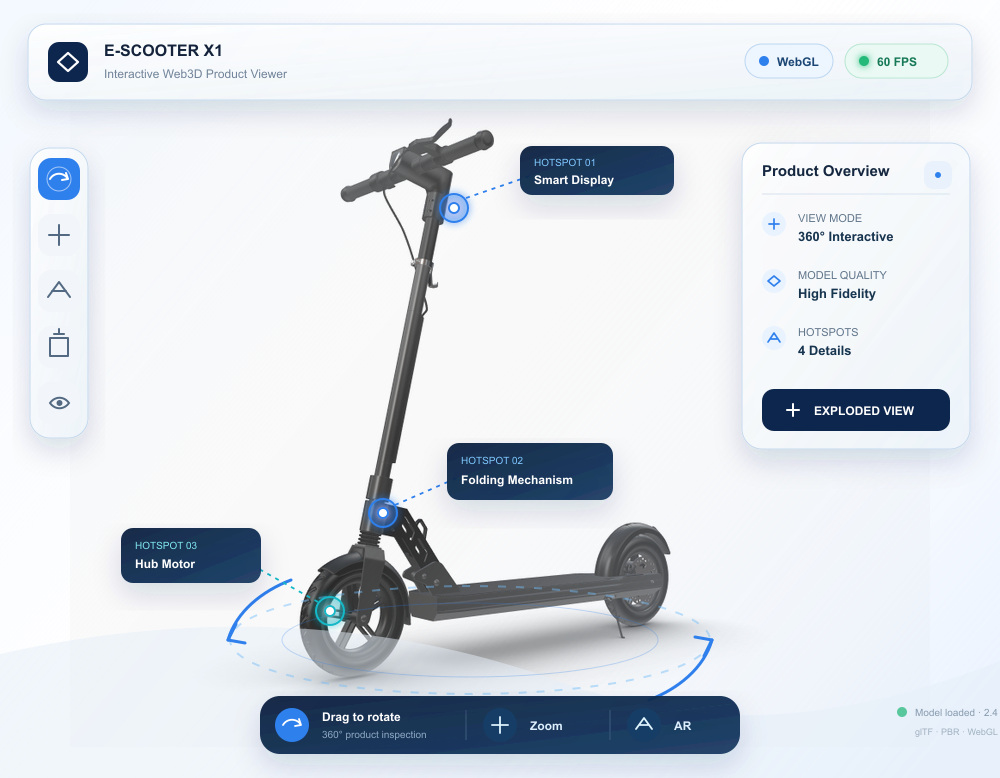
A Web3D product display turns product models into an accessible browser experience. Customers can rotate, inspect, separate and understand the product without installing software, while sales and marketing teams gain a reusable visual asset for websites, campaigns and demonstrations.
From 3D assets to business systems, every capability maps to a real use case.
Let users rotate, zoom and inspect the product with mouse, touch and focused camera controls.
Connect product parts to specifications, benefits, media and sales information.
Reveal internal structure, assembly relationships and hidden components through guided states.
Demonstrate operation, workflow or product advantages with controlled animations and narrative steps.
Integrate the viewer into a corporate website, product catalog, campaign page or internal sales platform.
Prepare lightweight models, compressed textures, progressive loading and device-appropriate quality levels.
We define the product story and target devices before optimizing assets, designing interaction and integrating the viewer into the final page.
Identify the audience, product details, sales message, target pages and desired conversion action.
Evaluate CAD files, polygon models, textures, animation and the level of detail required online.
Reduce geometry, rebuild materials, compress textures and organize model hierarchy for interaction.
Develop camera controls, hotspots, exploded states, animation and responsive interface behavior.
Embed the experience, test performance across devices and connect analytics, forms or sales handoff.
Useful page content can appear first while the 3D experience loads at an appropriate quality level.
Camera, hotspots and guided states are designed so visitors can understand the product without training.
The project can include optimized assets, source code, embedding support, analytics and technical handoff.
Before development starts, we define measurable performance and delivery criteria around your models, devices, systems and business goals.
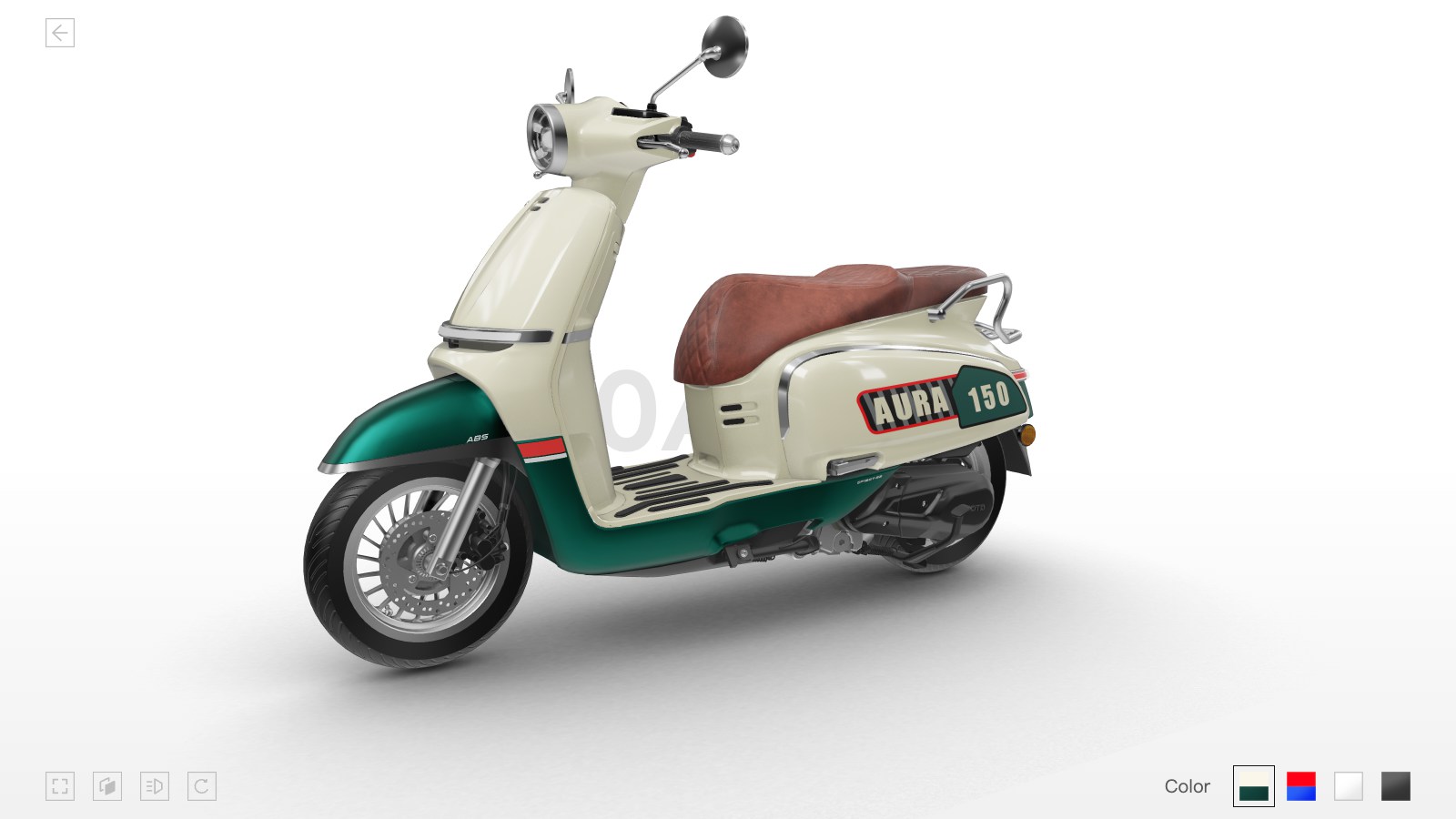
A high-fidelity motorcycle viewer for online product exploration, color comparison and accessory presentation.
View case ↗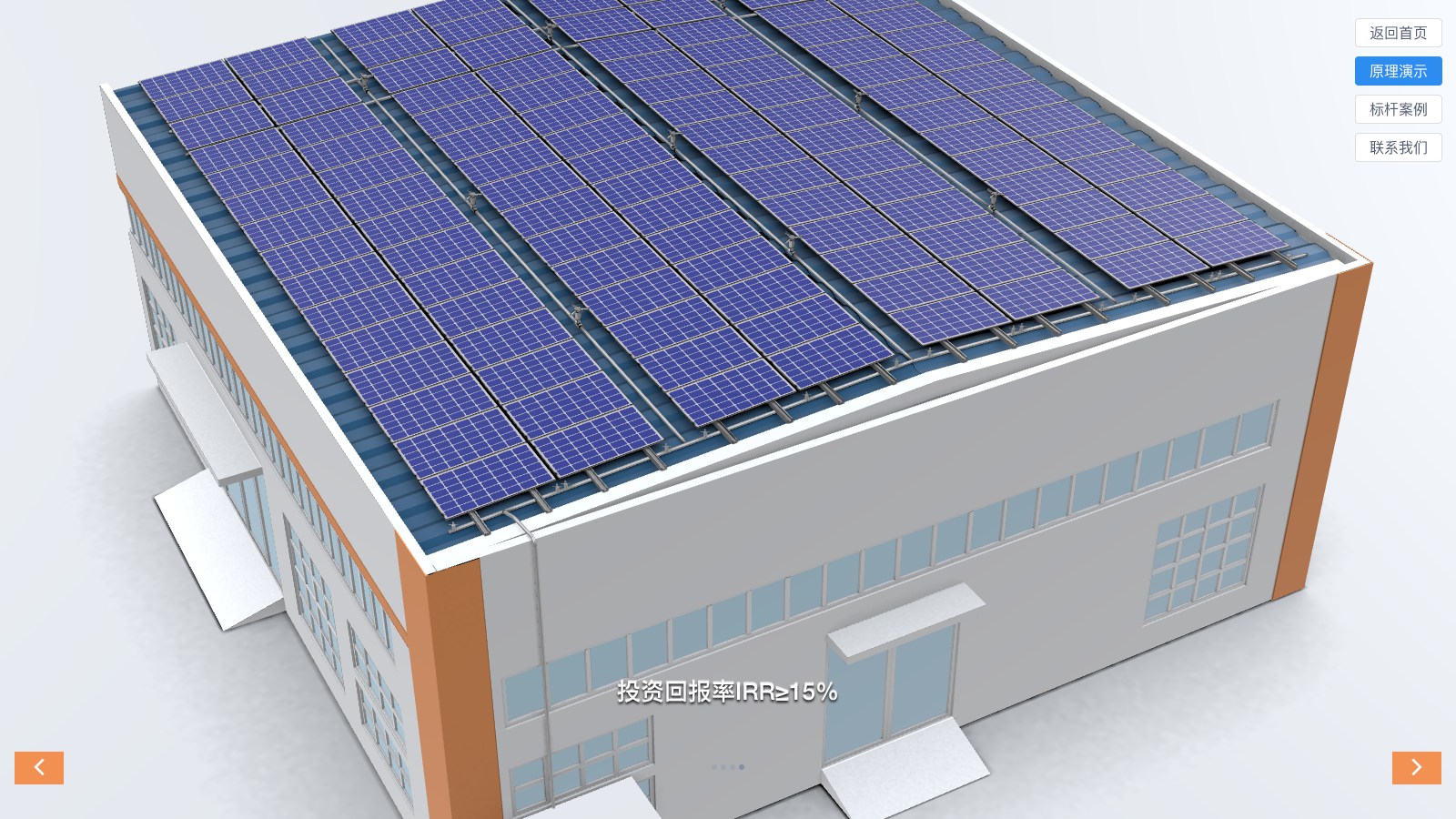
An interactive energy solution experience that explains system components and operating principles.
View case ↗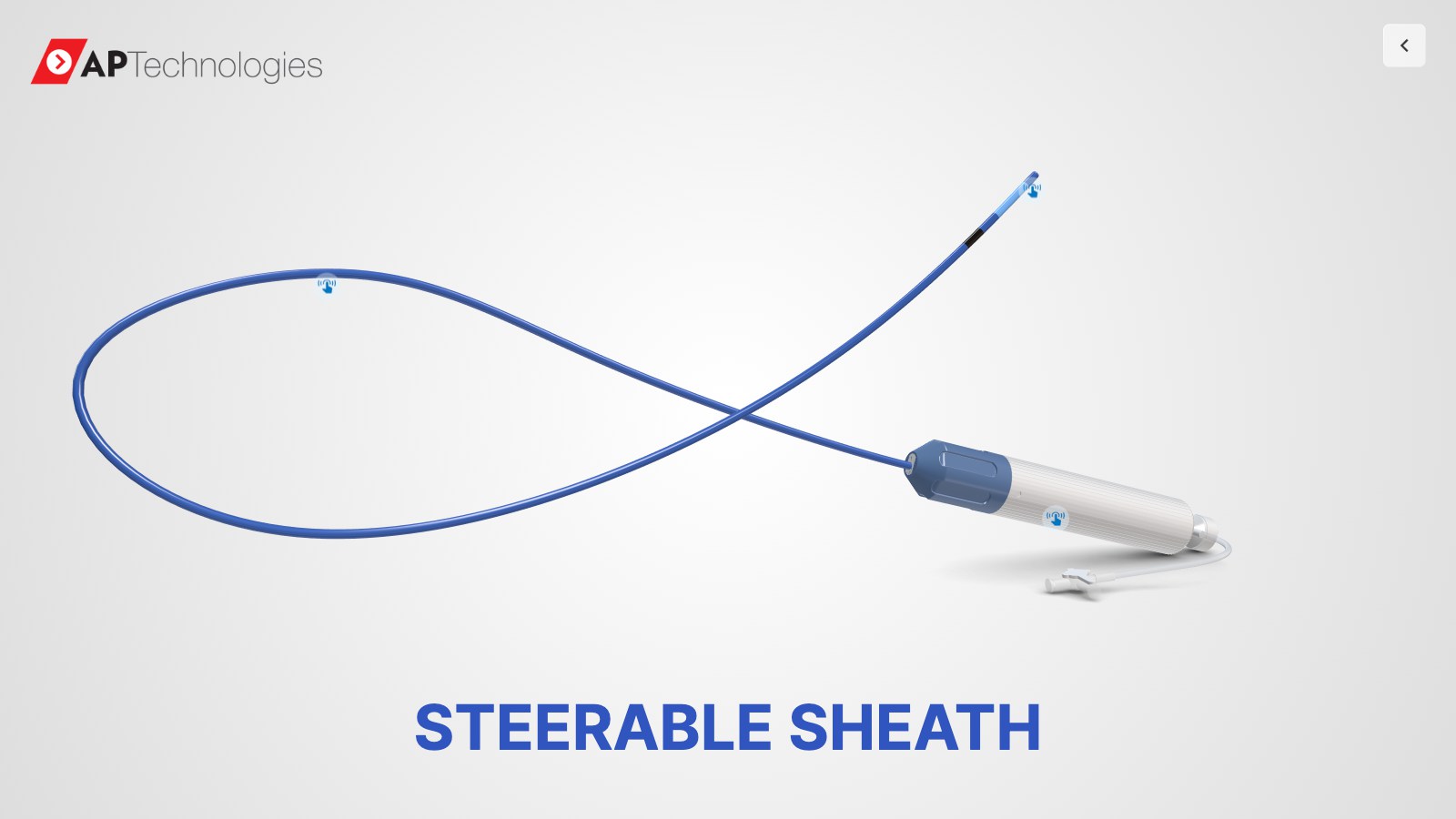
A detailed medical device viewer using sectional views, labels and 360-degree interaction.
View case ↗These articles explain the technical choices, performance considerations and business workflows behind the solution.
Usually yes. We first review topology, materials, file structure and visual requirements, then define what can be optimized and what needs to be rebuilt for the web.
It does not have to. We use model and texture optimization, deferred or progressive loading, quality controls and device testing to protect the useful page experience.
A viewer focuses on understanding and exploring a product. A configurator adds product options, compatibility rules, pricing, quotation or purchase workflows.
Yes. It can track viewer starts, hotspot interactions, completed product stories and CTA clicks, and can connect to enquiry forms or sales systems.
Share your product models, target page and sales objective. We will help you define the right viewer, interaction and performance scope.
Discuss Your Product Viewer ↗