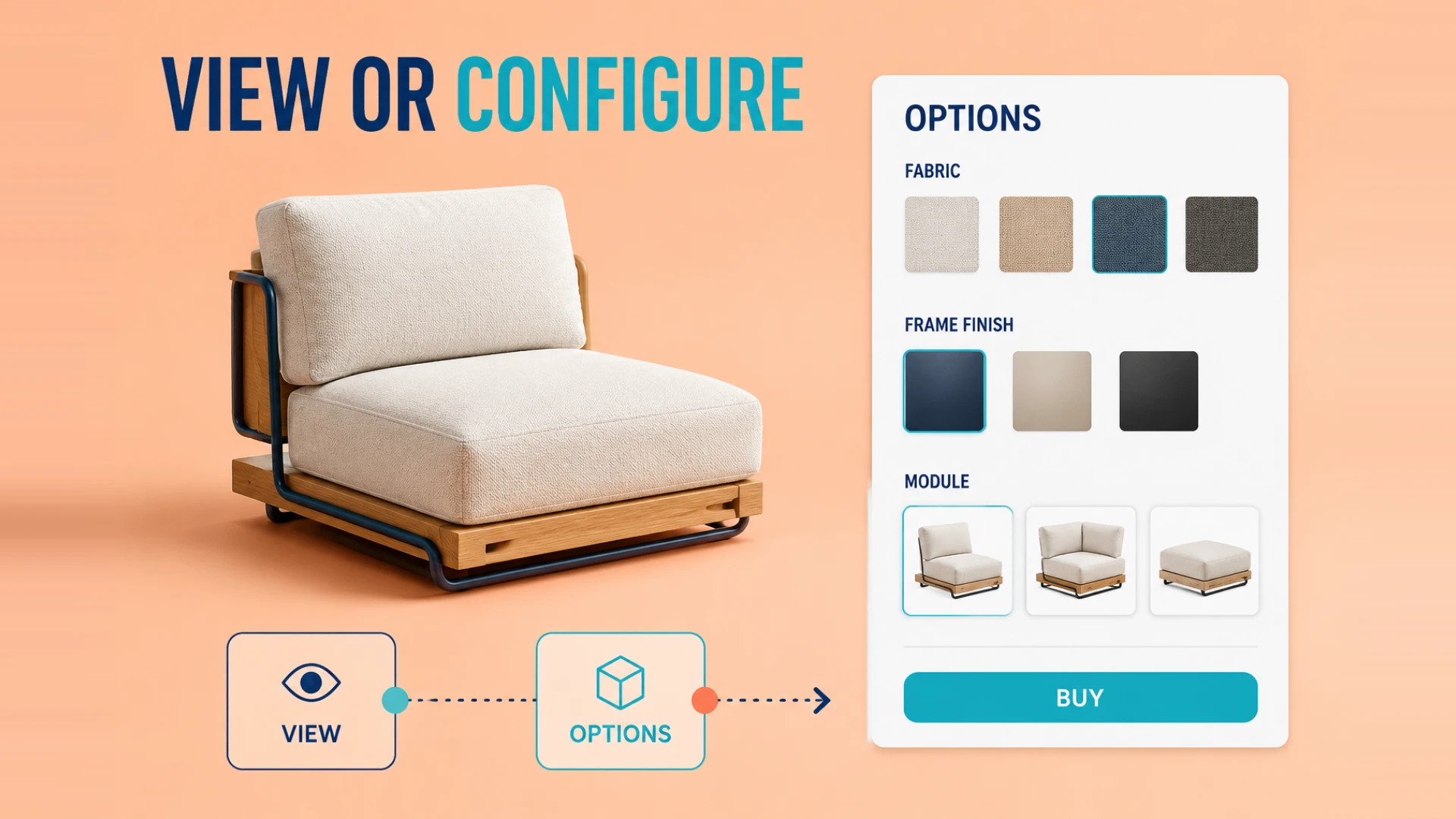
If you browse the websites of top international brands or successful cross-border DTC stores, you will notice that 3D elements are becoming ubiquitous.
Many business owners feel overwhelmed by this trend. There is a common misconception that any model on a website that can be rotated or dragged with a mouse is essentially the same. In reality, Web3D technologies vary significantly in their technical architecture, development costs, and final impact on conversion rates.
As a merchant, there is no need to jump straight into complex, massive projects. The key is to identify your specific pain points and core business needs before spending money on "digital transformation" that might not yield results.
Stop Wasting Money: Which Type of Web3D Does Your Business Need?
To clarify the landscape, we have broken down mainstream e-commerce Web3D applications into three progressive levels:
Level 1: 3D Product Display (The "Look" Factor)
If your primary goal is to let customers see your product details from every angle, basic 3D product display is sufficient.
- How it works: Web-ready 3D assets are embedded into the page structure using the agreed web integration method.
- The Benefit: Consumers on mobile or desktop can rotate, zoom, and inspect products, which can help them review size, material, and structure. Any change in returns or conversion should be measured against product, traffic, and order data. For a deeper conversion-focused breakdown, see our article on e-commerce 3D product display for higher store conversion.
Level 2: Interactive Web Models (Deep Engagement)
If rotating a model isn't enough to satisfy your brand's ambitions, you need interactive web models. At this stage, the 3D model is more than a "pretty static vase"; it becomes a tool for dialogue with the user.
- Enhanced Experience: Beyond zooming, you can integrate product animation, multimedia links (text/video/audio), and industry-standard Hotspots.
- Practical Impact: Users can click components such as a screw or motor to view prepared internal structures, material notes, or hotspot content. Engagement should be evaluated with event tracking and comparable traffic rather than assumed to exceed static content.
Level 3: Shopify 3D Configurator (Online Configuration and Cart Flow)
For DTC brands or manufacturers with configurable products, a Shopify 3D Configurator can connect product options with an online configuration and cart flow.
- Deep Customization: It integrates directly with your store's backend and SKU system. Users can select specifications, swap accessories, change textures, or modify colors in real-time, with the 3D model rendering these changes instantly.
- Business Loop: When the option rules, pricing logic, and platform interfaces are defined, users can submit a configuration to an add-to-cart or enquiry flow. The effect on the purchase path should be verified after launch. If you are still deciding whether this level is worth the investment, see whether a Shopify 3D configurator is worth it for cross-border e-commerce.
A Reality Check: Why Web3D Development Requires Serious Technical Skill
Many believe 3D development is as simple as a modeler handing a file to a frontend developer to drop into a webpage—this is the biggest misunderstanding about Web3D.
The WESHOW3D Technical Perspective: To create a Web3D project that supports product understanding and a stable experience, teams need to address two practical engineering areas.
First is target-platform compatibility. Confirm rendering limits, memory budgets, and interaction scope for iOS, Android, desktop browsers, or WeChat mini-programs, then test representative devices. Mobile browsers such as Safari may fail when assets exceed the available memory budget.
Second is rendering and loading optimization. Model scale, textures, LOD, progressive loading, and target devices all affect the result. Test those choices on representative devices instead of relying on a universal loading promise. For implementation details, see our guide to optimizing 3D models for the web.
Meet WESHOW3D: A Web3D Development Team
WESHOW3D (Official Website: www.weshow3d.com) provides Web3D and 3D configurator development services.
As a long-term specialist in custom Web3D development, WESHOW3D has mastered the core e-commerce services mentioned above—3D product display, interactive models, and Shopify 3D configurators—to help merchants at different stages of growth.
Beyond e-commerce, WESHOW3D can work within the agreed scope on several Web3D application areas.
- Industrial 3D Digital Twins: Interactive views for factories and enterprise equipment that can present agreed data feeds and operational states.
- Offline Exhibition 3D Interaction: Solutions for showrooms and museums that can support multi-language switching and offline (local) deployment after the final hardware and package are tested.
- Spatial Computing & Frontiers: WESHOW3D keeps pace with cutting-edge hardware, offering Engine-native VR/AR design and custom development for Apple Vision Pro spatial computing applications.
Start with the Business Question
3D is useful when it addresses a clear product-understanding, configuration, or sales workflow question. Define the target users, devices, interfaces, and measurement plan before deciding on the implementation.
If you are evaluating a 3D upgrade, review the project scope, technical requirements, and real-world case studies on the WESHOW3D website (www.weshow3d.com).
The work typically combines product assets, front-end rendering, and business interfaces; delivery time and operational impact depend on the agreed scope and validation results.
If your goal is to publish a product experience with rotation, hotspots, exploded views and commercial website integration, review our 3D product viewer and Web3D product display solution to compare viewers with more advanced product configurators.