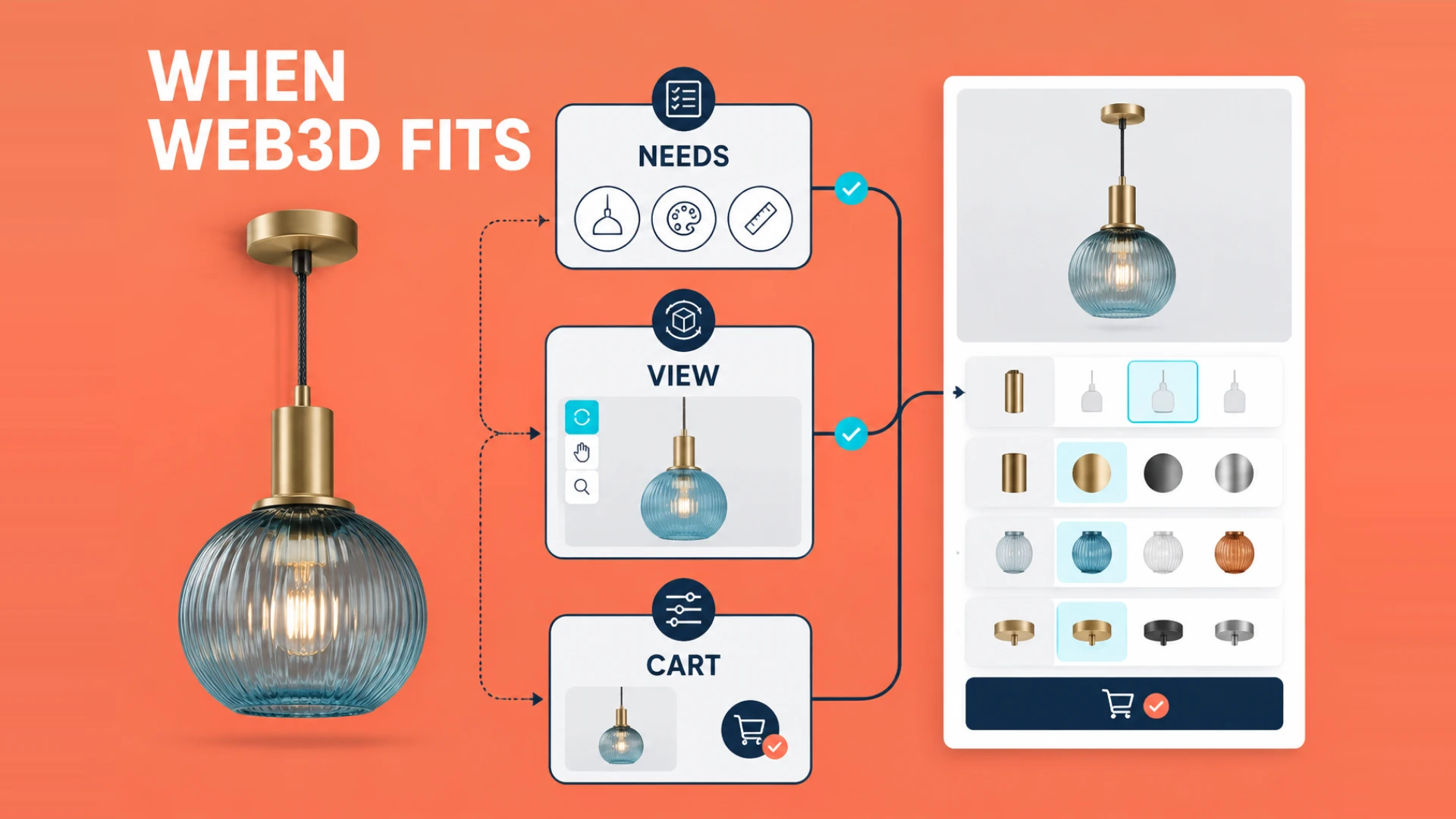
This is one of the most useful strategy questions a brand can ask early: when does Web3D actually make sense for a Shopify store?
The answer is not "as early as possible," and it is not "only after everything else is done." The real answer depends on what kind of product you sell and whether your current product page can still do enough selling work on its own.
Not Every Store Needs Web3D Right Away
If your product tends to be:
- low-ticket
- fast to understand
- low in variation
- bought mainly through impulse or discount momentum
then Web3D may not be your first priority.
In that situation, stronger merchandising, better product page copy, reviews, and performance marketing may deserve attention first.
But Some Shopify Stores Are Obvious Candidates
Web3D becomes much more valuable when the product has traits like these:
- a higher price point
- material and surface quality that influence purchase confidence
- structural or functional detail that needs explanation
- customization or option-based selection
- product differences that are hard to explain with normal photos alone
In those cases, Web3D is not just about making the store look more advanced. It is helping solve a real communication limit in the product page itself.
Shopify Stores Usually Follow Two Web3D Paths
Path 1: Start with 3D Product Display
If the main problem is that users do not understand the product well enough, then interactive 3D display is often the best place to start.
That usually means:
- letting users rotate and inspect the product
- helping them zoom into details
- using hotspots or guided interaction to explain features
This path is a great fit when the product is complex to understand but not necessarily deeply configurable.
Path 2: Move Directly into a 3D Configurator
If the real friction happens when users need to choose finishes, accessories, dimensions, or combinations, basic 3D display may not be enough.
That is where a full 3D configurator starts to make more sense.
The Best Timing Usually Looks Like This
In practice, Web3D tends to become especially worthwhile in stages like these:
The Store Has Traffic but Conversion Feels Stuck
This usually means the problem is not visibility. It is product-page clarity.
Web3D helps most when the issue is "users are looking, but they are not confident enough to act."
The Brand Starts Selling More Complex or Premium Products
The more important materials, structure, and variation become, the harder it is for static content to do all the explaining.
That is often the point where Web3D starts paying for itself.
The Website Is Expected to Do More Real Selling Work
If the goal is not just a professional-looking brand site but a store that qualifies leads, supports product selection, and helps move users toward purchase, Web3D becomes much more strategic.
The Better Question Is Not Just “Should We Do It?” but “Which Layer Should We Start With?”
A lot of brands jump straight to the most advanced idea - a full 3D configurator.
But in many cases, the smarter move is to identify the actual bottleneck first:
- is the product hard to understand visually?
- or is the problem really about customization and decision flow?
If trust and understanding are the main issue, 3D display may be enough. If the issue is configuration and purchase flow, then the next step is deeper.
Web3D in Shopify Is Not About Showing Off
At the end of the day, the right time to invest in Web3D is when a normal product page no longer explains enough to move the buyer forward.
If images, video, and spec copy are no longer enough - and your sales team keeps repeating the same explanations - that is usually a strong signal that Web3D deserves serious consideration.
And if you want to keep going from here, the next two articles to read are Shopify 3D configurator pricing explained and why more e-commerce brands need a 3D product configurator.
Once the strategic answer is clear, the next questions are usually technical: how lightweight the assets need to be, and how the configurator should actually be built. That is why the best follow-up pair is How to Optimize 3D Models for Web and Building a Product Configurator with Three.js.