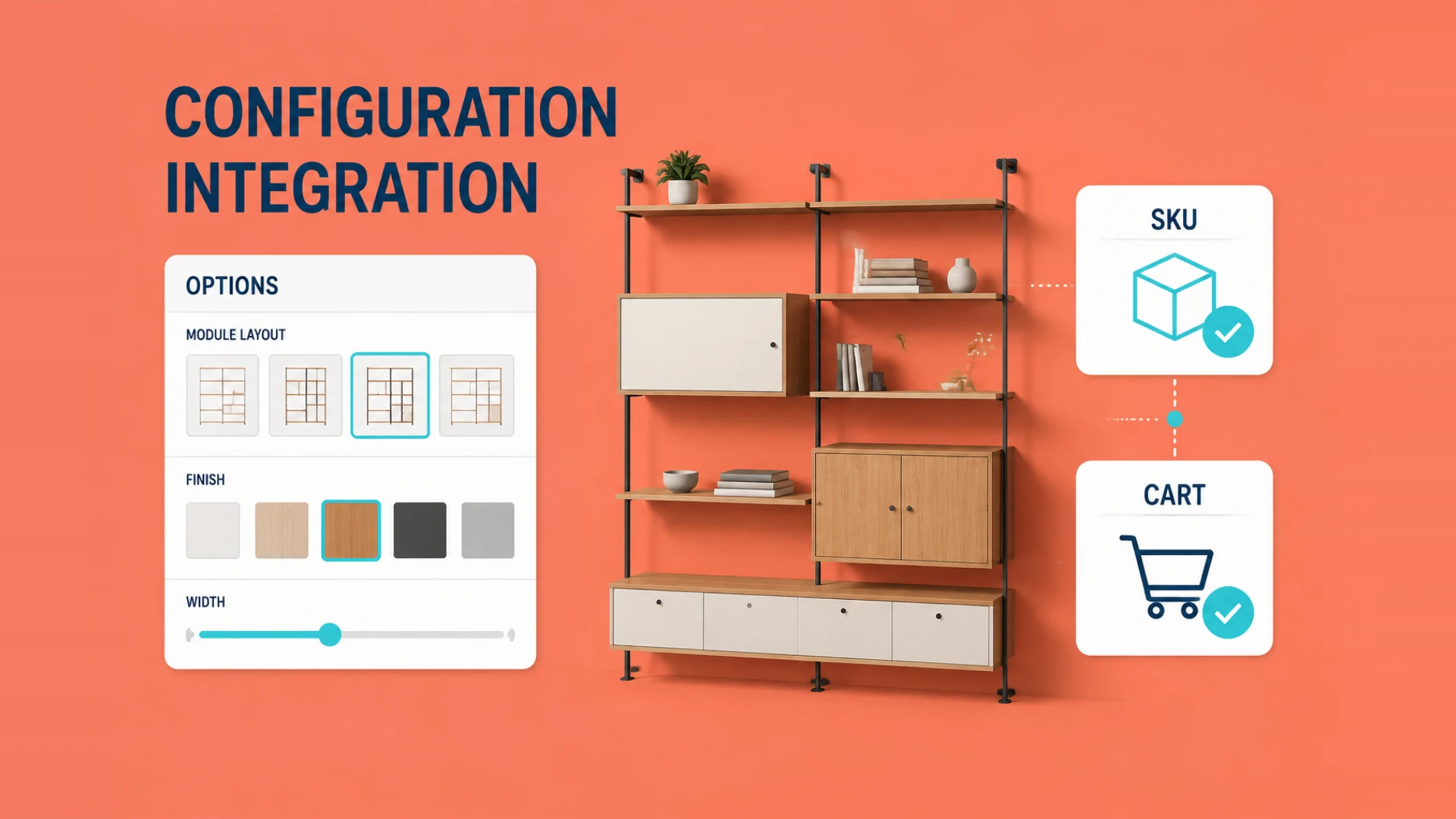
Adding a visual 3D product configurator to a Shopify store can improve how customers inspect options, but it does not guarantee a conversion result. The implementation needs to connect the model, option logic, pricing, and cart data.
But behind the slick marketing demos of most 3D software lies a messy technical reality that keeps independent station owners up at night.
As a team that lives and breathes Web3D development at WESHOW3D, we’ve inherited plenty of half-broken setups from frustrated merchants. The story is almost always the same. They bought a generic 3D plugin, uploaded some massive CAD files, and suddenly their Shopify theme was lagging, the mobile experience was a jerky nightmare, and half the custom configurations failed to actually register in the Shopify checkout cart.
Bridging detailed 3D assets and Shopify's backend logic requires explicit decisions about assets, options, pricing, and cart fields.
Why Shopify 3D Configurators So Often Break Down
The Real Pain Points of Shopify 3D Integrations
The biggest trap merchants fall into is ignoring asset optimization. Large files can make a product page slow on mobile networks, so model size, texture budgets and loading order should be tested against representative devices. If you have not mapped out the asset side, read our complete guide to adding 3D models to a website first.
The second challenge is data decoupling. A standard Shopify theme expects a straightforward SKU variant structure, while a configurator may add textures, finishes, engraving, or handle styles. The option matrix and line-item fields must be mapped explicitly so the checkout and fulfilment teams receive the intended build data. Our article on whether a Shopify 3D configurator is worth it for cross-border e-commerce helps frame that decision.
The Real Work Is in Integration and Data Flow
How We Handle the Technical Heavy Lifting at WESHOW3D
We learned early on that you can't just slap a generic iframe onto a Shopify site and call it a day. When we build a Visual 3D Product Configurator for our clients, we attack the problem from two angles: extreme asset lightweighting and native API synchronization.
First, we don't use raw industrial models. Our optimization pipeline reviews internal geometry, bakes PBR (Physically Based Rendering) textures, and prepares formats such as optimized .glb according to the target devices. Final file-size and material targets are verified against the agreed asset and test matrix.
Second, we define a data bridge. Instead of creating a SKU for every possible path, the 3D front end can calculate permitted variations and use Shopify's Cart API where appropriate. Component changes, price updates and build metadata must be tested against the checkout and fulfilment workflow.
There Is More Here Than a Configurator Alone
We Do Far More Than Just Configuration
Getting a 3D configurator running on an independent Shopify store is one part of the delivery. At WESHOW3D, we also work on related interactive 3D media within the agreed scope.
We don't just build retail configurators; we scale these assets across your entire business ecosystem. For example, if you already have the high-quality 3D assets we optimized for your Shopify store, we can easily pivot those models into interactive 3D Product Displays featuring 360° explosive views and hot-spot annotations for your digital user manuals.
Beyond standard e-commerce, our studio specializes in creating comprehensive 3D Interactive Applications that run smoothly on offline touchscreens for trade shows or retail showrooms. We also build heavy-duty industrial 3D Digital Twins that connect to live IoT sensor arrays, write immersive custom VR/AR environments via Unity and Unreal Engine, and deliver stunning 3D Animation Rendering for your main marketing campaigns and product launch videos.
If you are tired of dealing with clunky Shopify apps that slow down your store and mess up your checkout data, let’s talk. We build Web3D solutions that actually convert because they are engineered to work with your tech stack, not against it.