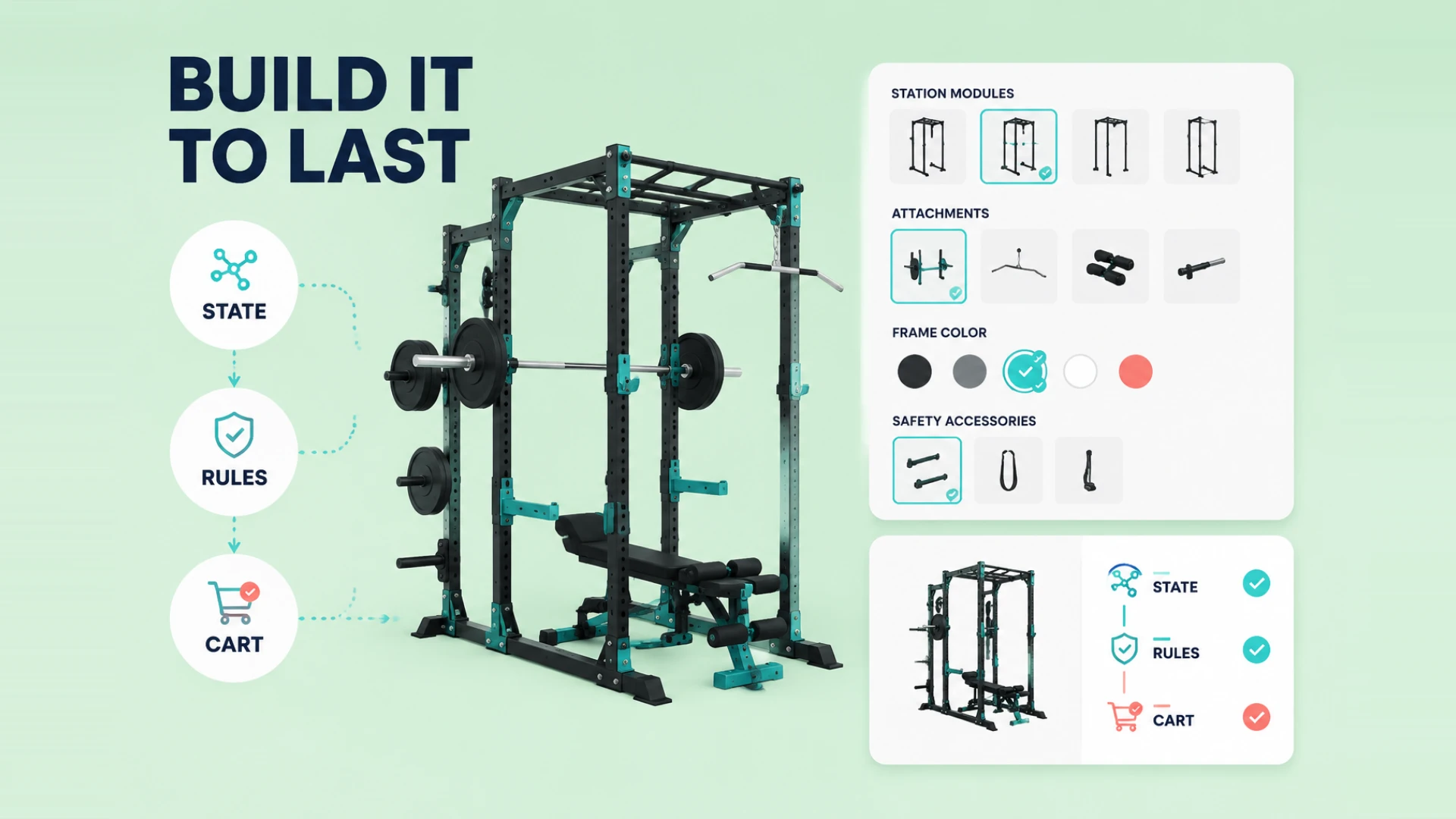
If all you need is a rotatable 3D model, Three.js is a very approachable place to start.
But the moment the project becomes a real product configurator, the problem changes completely.
Now you are no longer dealing with rendering alone. You are also dealing with:
- 3D asset switching
- configuration state
- pricing logic
- cart or inquiry flow
- mobile performance constraints
That is why so many configurator projects do not fail because of Three.js itself. They fail because the team treats Three.js as the entire problem instead of just one important part of the system.
Mistake 1: Hardcoding Configuration Logic into the Scene Layer
This is probably the most common mistake.
To move fast, teams often wire the option logic directly into scene behavior. Click a button, show one mesh, hide another, change a material, and keep going. It works for a while. Then the option matrix grows, pricing rules arrive, and dependencies pile up. Suddenly the project becomes painful to maintain.
A more stable pattern is:
- manage configuration state separately
- use Three.js as the visual output layer
- let state drive scene updates instead of mixing all the logic together
Without that separation, every new feature makes the whole system harder to reason about.
Mistake 2: Designing Only for Desktop Performance
Three.js scenes that feel smooth on a strong development machine can still perform badly on real customer devices.
Configurators are heavier than simple 3D viewers because they often include:
- more interactions
- more material changes
- more model states
- more UI and 3D synchronization
If performance budgeting does not happen early, mobile browsers - especially Safari - usually expose the problem fast.
Mistake 3: Poor Model Structure Leads to State Chaos
The hardest part of a configurator is rarely changing one color. It is managing multiple choices at once.
For example:
- selecting option A may disable option B
- a size change may require structural changes
- some components may only exist in specific combinations
If the model structure and state design are weak from the beginning, every added feature starts spreading changes across the whole project.
Mistake 4: The 3D Works, but the Business Flow Does Not
This is extremely common.
The front end looks polished. The user can configure the product. But once they try to check out or submit an inquiry, the selected data no longer maps properly into pricing, cart details, or order records.
At that point, the configurator becomes more of a visual demo than a sales tool.
A real configurator should answer:
- how the configuration result is structured
- how price is calculated
- how the result moves into Shopify or another system
- how internal teams understand the selected combination
If you want the Shopify-specific version of this problem, our guide to Shopify 3D configurator integration pitfalls is the next article to read.
Mistake 5: Chasing Effects Instead of Sustainability
It is very easy to overload configurators with glow, post-processing, transitions, reflections, and other visual effects because the demo looks stronger that way.
But configurators are not one-off showcase videos. They are long-term business pages. They have to survive content changes, option updates, catalog expansion, and maintenance work.
If visual effects are designed without discipline, every future update becomes slower and more expensive.
A Better Approach: Let Three.js Handle Presentation, Not Everything
In our own projects, we usually treat Three.js as one layer inside a larger system:
- Three.js handles rendering and visual interaction
- the state layer handles configuration rules
- pricing and cart layers handle commercial logic
- backend tools handle long-term management
That structure makes the project far more stable over time.
Three.js is an excellent foundation for product configurators. But the key is understanding that a configurator is never just a rendering project. It is also a business system.
If you are not yet that deep into implementation, it makes sense to step back and read Why More E-commerce Brands Need a 3D Product Configurator and Shopify 3D Configurator Pricing Explained first. Clear business framing usually leads to much better technical decisions.
For teams ready to define the full scope, our 3D product configurator development solution connects Three.js presentation with configuration rules, product data, pricing and quote or purchase workflows.