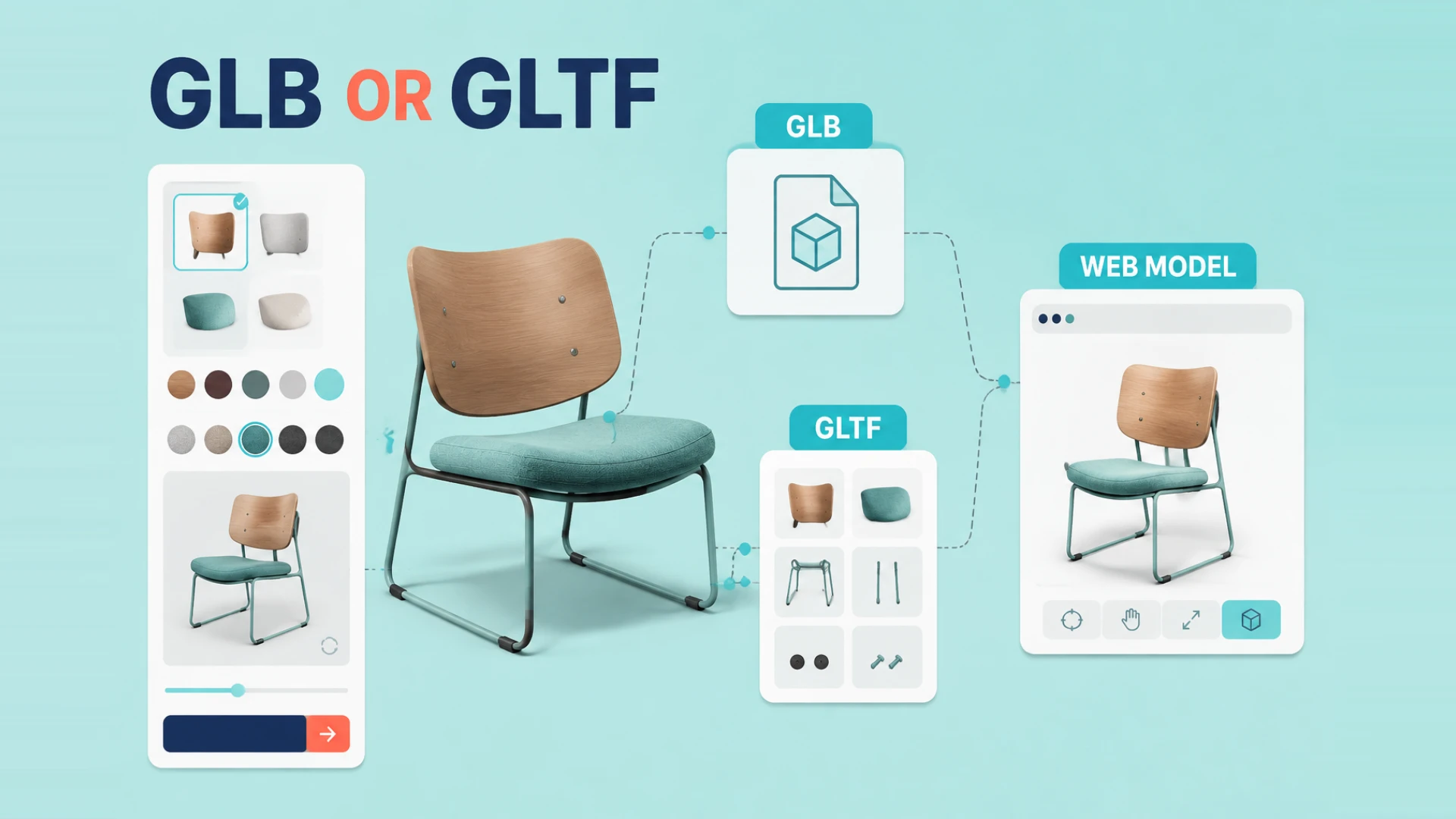
If you work with Web3D long enough, you are going to run into this question: should the project use GLB or glTF?
At first, the answer often sounds confusing. Some people describe them as completely different formats. Others say they are basically the same thing. Both ideas contain part of the truth, but neither is helpful enough when you are trying to make a real production decision.
For website work, choosing between GLB and glTF affects more than terminology. It changes how assets are packaged, how easy they are to deploy, how clean the collaboration workflow feels, and how likely the project is to break during handoff.
The Simplest Difference
glTF Is More Like a Structured Description
glTF is usually a scene description format that can reference separate resources. A .gltf file may sit alongside textures, binary buffers, and other supporting files.
GLB Is More Like a Packed Delivery File
GLB is the binary version that bundles the model and related data into a more compact single-file package.
So in practical terms:
glTFis easier to inspect and edit piece by pieceGLBis easier to move, deploy, and hand off
Why GLB Often Wins in Website Projects
Most website projects hate fragmented assets.
The more external resources a model depends on, the easier it becomes to break paths, lose references, and create unnecessary loading overhead. That is why GLB is so common in real Web3D delivery.
It usually offers clear advantages:
- one file is easier to manage
- fewer reference errors during deployment
- simpler handoff between teams
- cleaner publishing workflow for product pages and landing pages
For front-end product display, landing pages, and first-version configurators, GLB is often the safer default.
When glTF Can Still Be the Better Choice
That does not mean glTF is inferior. In some workflows, it is actually more useful.
For example:
- when textures need to be replaced independently
- when content teams work on assets in parallel
- when version control around separate resources matters
- when you want more visibility into the structure before packaging
In those situations, glTF can give the team more flexibility during development.
Ask These 4 Questions Before Choosing
1. Will the Asset Change Often?
If the model is still evolving heavily, glTF may be more convenient during production.
If the asset is relatively stable and ready for publishing, GLB is often the better delivery choice.
2. Is Your Deployment Workflow Fragile?
Some teams do not have asset problems. They have path problems, packaging problems, and release-process problems.
If your deployment chain is easy to break, GLB reduces that risk.
3. Do You Care More About Editing Flexibility or Shipping Simplicity?
glTF is easier to inspect and edit.
GLB is easier to publish and distribute.
That tradeoff matters more than the format name itself.
4. Has the Asset Been Optimized for Web Yet?
This is the part people miss all the time.
Picking the right format does not magically fix a bloated model. If the geometry is still too dense, the textures are oversized, or the material setup is sloppy, both GLB and glTF can still perform badly.
If you are still solving the asset side, read how to optimize 3D models for web next.
My Practical Recommendation
If you want the short answer for most production websites, it is this:
- use GLB for front-end delivery in most product-display and configurator scenarios
- keep glTF where it helps with internal asset collaboration
In other words, many teams can work with glTF during production and export to GLB for deployment. That is often the most practical balance.
Format Choice Is Only the Beginning
GLB vs glTF matters, but it is still just one layer of the workflow.
User experience will also depend on:
- whether the model is actually lightweight
- whether textures are compressed properly
- whether loading is staged intelligently
- whether rendering strategy fits the target device
So yes, choose the format deliberately. Just do not expect file format alone to solve what is really an optimization and delivery problem.
And if your next question is how to actually get the model onto the website without harming performance, continue with our complete guide to adding 3D models to a website.
If the project is moving beyond display and into a real configurator flow, the next article in the chain should be Building a Product Configurator with Three.js. File format, asset optimization, and configurator architecture usually belong to the same implementation path.