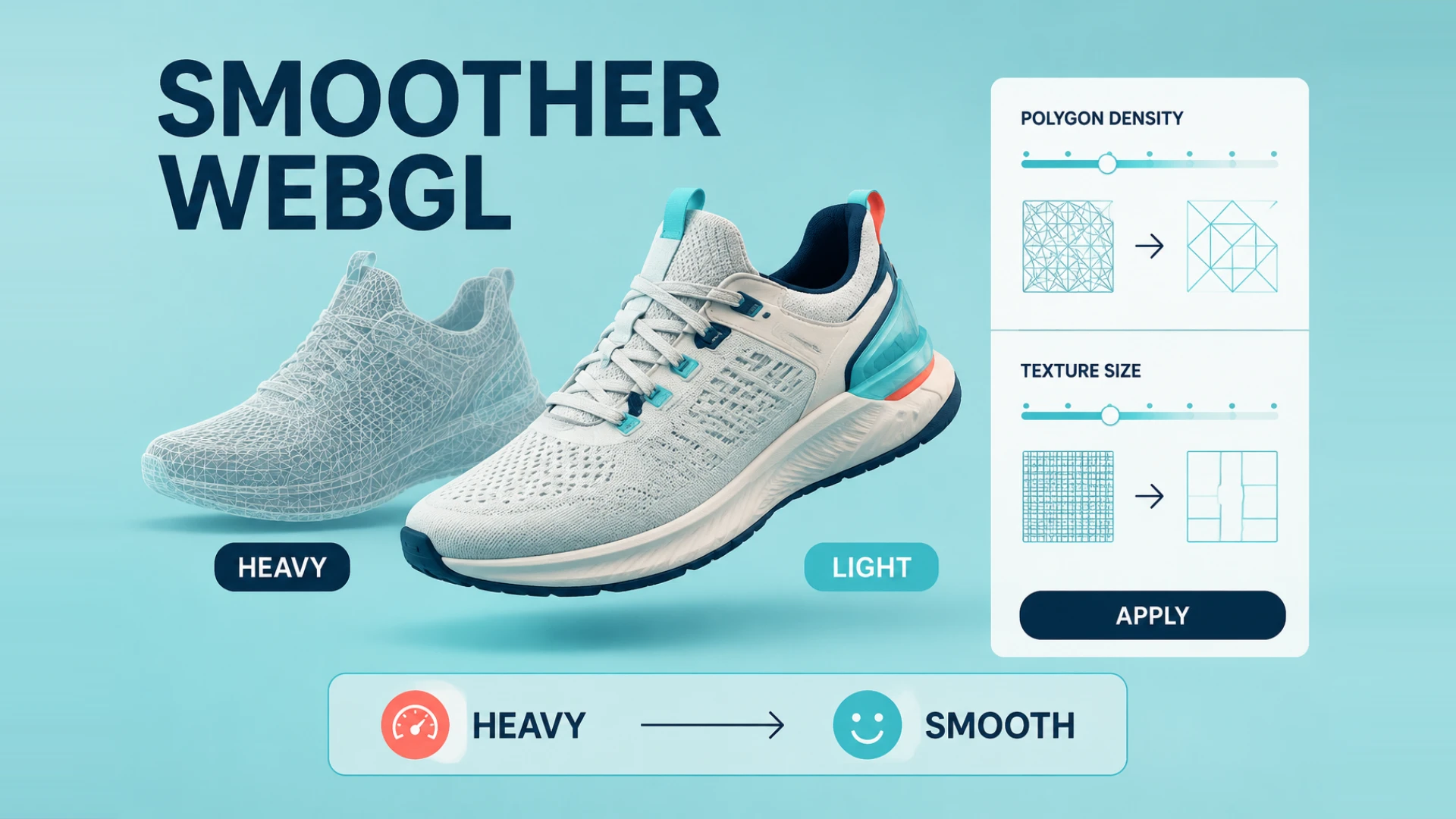
To be honest, after working in Web3D for so many years, my biggest headache isn't writing complex interaction logic. It’s dealing with those "monstrous" models—exported directly from industrial software—boasting millions of polygons.
Seriously, I’ve seen countless projects look great in theory, only to crawl at a snail's pace once loaded in a browser. The loading bars test a user's patience, and the frame rate drops so significantly it feels more like a slideshow than a high-end 3D experience.
Many newcomers mistakenly believe 3D technology is just about stacking effects. That’s a trap.
In the world of WebGL, bandwidth and VRAM are the true authorities. Without deep model optimization, even the most sophisticated shaders will fail to deliver. I often tell the juniors on our team: the core of optimization isn't about making things "look fake"—it's about aggressively reducing polygon counts while maintaining professional-grade visual fidelity.
The pitfalls in this process are numerous and can only be navigated through experience.
From mesh decimation and texture baking to texture compression—if any step is neglected, mobile performance will inevitably collapse. Handling materials, consolidating Draw Calls, and baking complex lighting into textures are labor-intensive tasks, but they are also the benchmarks by which a developer's true skill is measured.
Model Optimization Is a Workflow, Not a Single Trick
One of the biggest misconceptions in Web3D is that optimization means clicking a decimation button and calling it a day. In practice, the projects that run smoothly are usually the ones where the entire asset pipeline was handled properly from start to finish.
At WESHOW3D, we usually break the process into four parts:
-
Understand the source asset
CAD exports, Rhino files, Blender scenes, and production-ready game assets all come with different problems. CAD often explodes polygon counts. DCC assets often hide messy materials, duplicate geometry, or bad naming. -
Clean the mesh aggressively
Remove geometry the user will never see. Internal screws, hidden supports, and unnecessary backside details should not be hitching a ride into the browser. -
Rebuild detail through textures
Bake high-poly detail into normal, roughness, and ambient occlusion maps. Standardize texture sizes. Convert them into web-friendly formats. If this stage is sloppy, runtime optimization usually turns into damage control. -
Only then optimize runtime delivery
That includes level of detail, lazy loading, selective asset delivery, draw-call reduction, texture reuse, and more disciplined shadow strategies.
If you want the broader publishing workflow rather than just the asset side, continue with our complete guide to adding 3D models to a website.
Why So Many Projects Work on Desktop and Fall Apart on Mobile
This is one of the most common traps in WebGL work. Teams build and test on strong development machines, then assume the experience is ready. The moment the same page hits a mid-range Android device or Safari on iPhone, everything changes.
The usual culprits are painfully familiar:
- textures that are far too large for real mobile memory budgets
- meshes that still carry far too much hidden geometry
- fragmented materials that multiply draw calls
- loading too many assets at the first screen
- stacking transparency, post effects, and animation all at once
That is why model optimization is not just about making a file smaller. It is about keeping the whole product page usable on the devices your actual customers are using.
Better Optimization Supports Business Validation Too
This is the part non-technical teams often evaluate after launch. Once assets are appropriately sized for the target devices, teams can validate:
- faster first impressions
- longer dwell time because the model actually responds
- better mobile usability
- fewer abandoned sessions caused by lag or heat
- a stronger base for 3D product pages and 3D configurators that are supposed to convert
And if you plan to push visual quality further with custom materials and lighting, optimization matters even more. Great shaders cannot rescue an overloaded asset pipeline. That is exactly why this article pairs so well with our WebGL shaders guide.
Model preparation and rendering logic need to be tested together
At WESHOW3D, we prepare assets around the source model, target devices and business workflow. An online 3D configurator can support real-time previews, rotation and an agreed Shopify cart integration, subject to the platform and project scope.
At the end of the day, technology must serve the business.
Beyond core WebGL performance tuning and 3D product displays, WESHOW3D has tackled demanding projects in the field of 3D Digital Twins. Developing systems that interface with real-time sensors for state monitoring is a rigorous challenge. Additionally, our dedicated teams are constantly pushing boundaries in native VR/AR development, spatial computing for Apple Vision Pro, high-quality 3D animation rendering, and interactive kiosk solutions for offline exhibitions.
If you are currently stuck at a performance bottleneck with your Web3D project, or if you want to elevate the digital presentation of your products, check out our website at https://www.weshow3d.com.
Web3D performance should be checked on representative devices and network conditions. Clear test targets, asset budgets and fallback rules are more useful than a universal speed promise.