Material and finish switching
Compare wood, fabric, stone, metal and surface finishes on the same product model.
Build a 3D furniture configurator that shows options in context so buyers can compare materials, dimensions and modules before requesting a quote or placing an order.
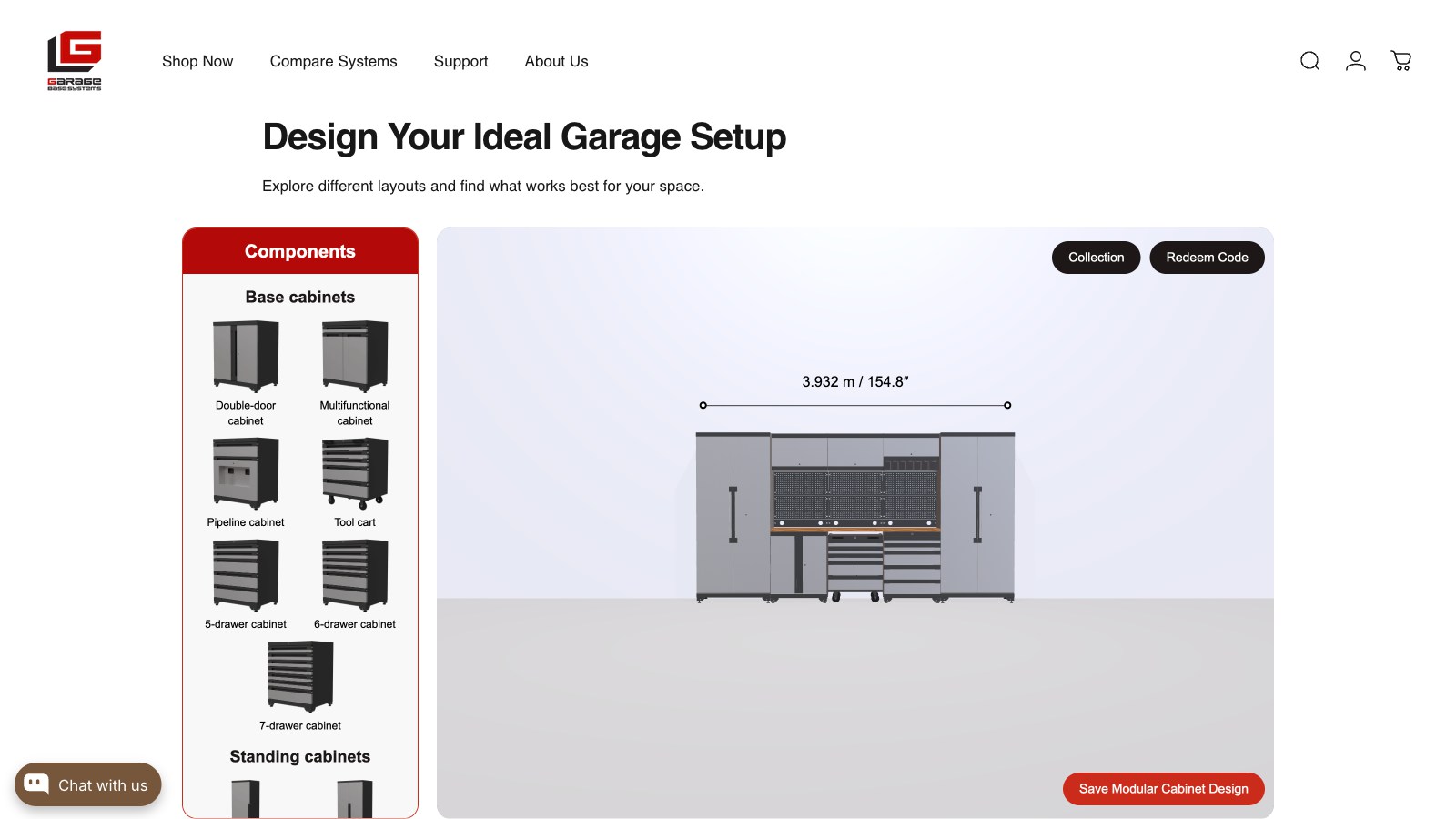
Furniture purchases often involve multiple decisions that are hard to communicate through a single product image. Furniture configurator software creates a visual bridge between the catalog, the showroom and the final quotation by connecting 3D materials, modules, dimensions, pricing and sales rules.
From 3D assets to business systems, every capability maps to a real use case.
Compare wood, fabric, stone, metal and surface finishes on the same product model.
Let users add, remove or rearrange modules while keeping the product rules clear.
Present supported size options and show how changes affect the complete configuration.
Use camera views or scene references to help buyers understand scale and placement.
Capture selected options, notes and images for a sales or quotation workflow.
Connect the experience to Shopify or custom product data while keeping modules, SKUs, prices and quote details aligned.
We clarify product and business logic before building the model, interaction and integration layer.
Map modules, dimensions, materials, restrictions and the quote or purchase outcome.
Prepare reusable geometry and material assets for manageable loading and maintenance.
Organize choices so buyers can move from structure to finish without losing context.
Synchronize SKUs, price rules, availability or quote details with the existing workflow.
Validate dimensions, materials, responsive layout and the final handoff to sales.
Options are shown as a complete product rather than as isolated swatches.
The selected configuration can travel with the lead into the next conversation.
A structured material and module library reduces the cost of adding future products.
Before development starts, we define measurable performance and delivery criteria around your models, devices, systems and business goals.
A furniture-focused configuration experience for options, materials and product presentation.
View case ↗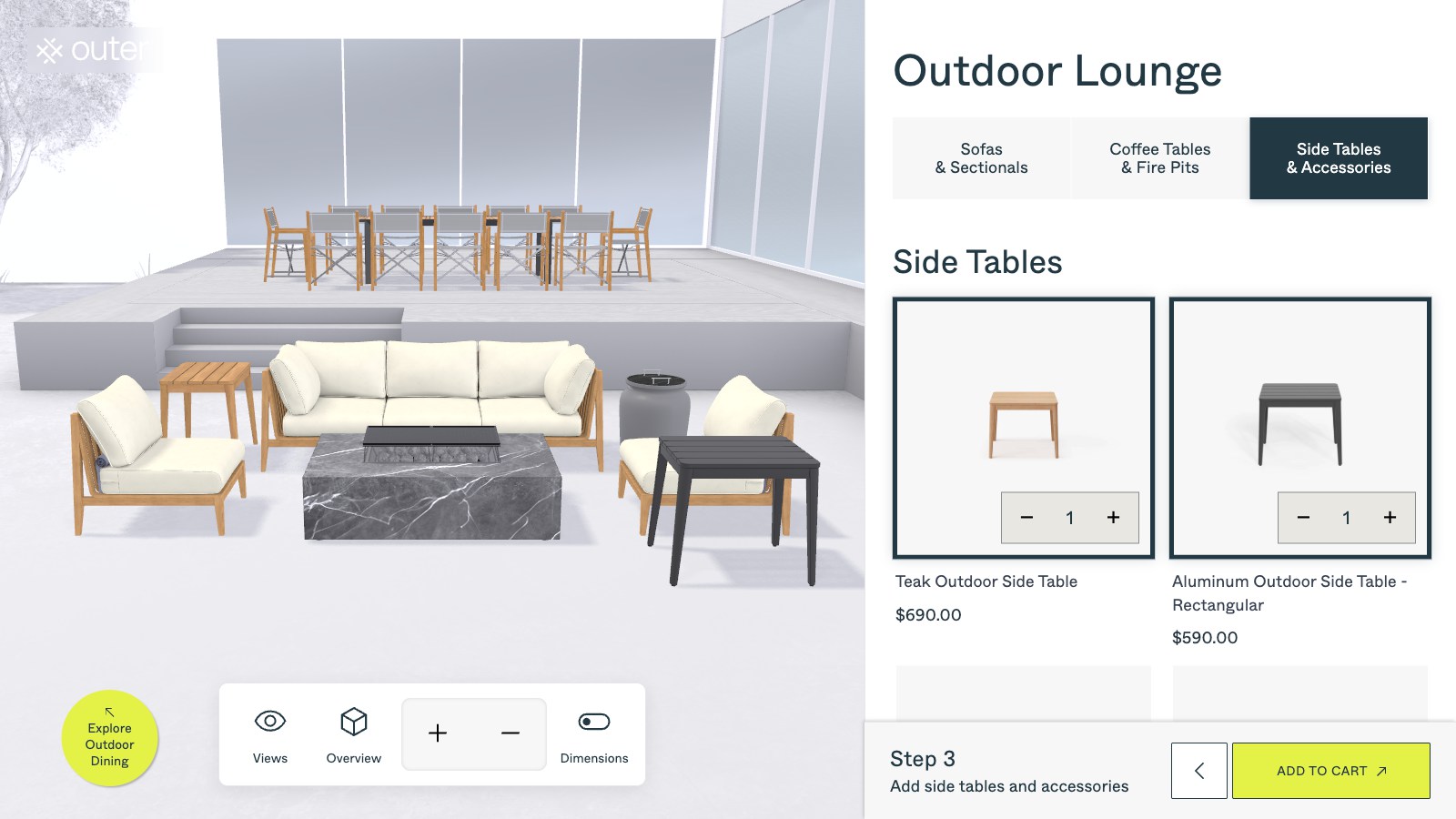
A commerce-oriented furniture configurator with online product exploration.
View case ↗A reference for detailed material and option selection in a premium product experience.
View case ↗These articles explain the technical choices, performance considerations and business workflows behind the solution.
It can support defined size ranges or discrete options. Fully free-form dimensions require additional product rules and validation.
Yes. The system can capture options, notes, screenshots and identifiers for a quote request or CRM workflow.
Yes, when the collections share a maintainable asset and configuration structure. We define that structure during the product analysis phase.
It should connect materials, dimensions, modules, compatibility rules, pricing or quotation data and the final handoff to a store, CRM or sales team.
Bring your product catalog, materials and option rules. We will turn them into a clearer buying and quoting experience.
Discuss Your Furniture System ↗