WebXR browser experiences
Deliver accessible immersive scenes through compatible browsers without a full native install.
Choose the right mix of WebXR, native VR, AR and spatial computing for training, product demonstration and industrial simulation.
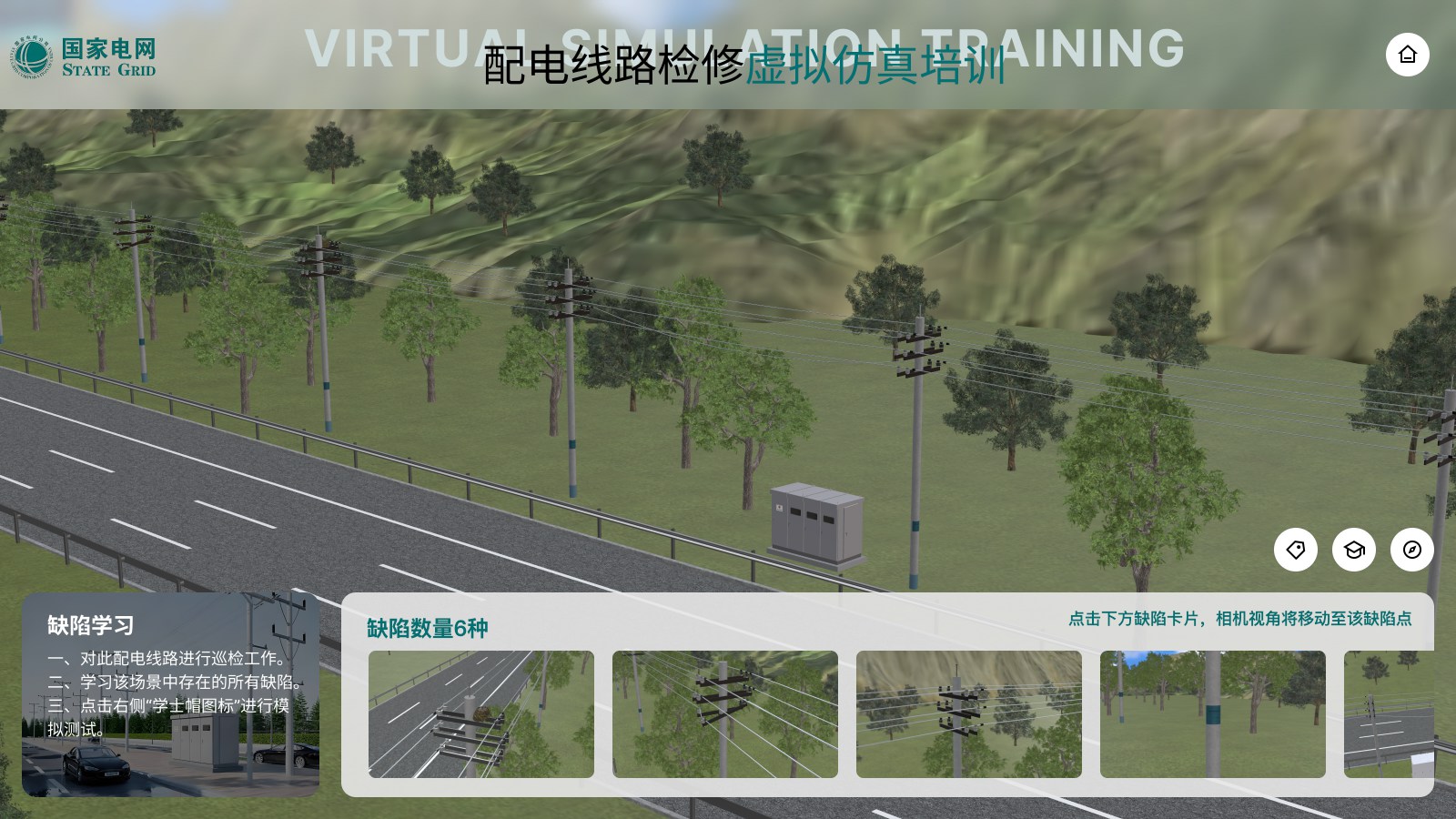
Immersive projects succeed when the interaction, hardware and business workflow are defined together. We help scope browser-based WebXR, Unity or Unreal applications and AR product experiences around the target device and the job users need to complete.
From 3D assets to business systems, every capability maps to a real use case.
Deliver accessible immersive scenes through compatible browsers without a full native install.
Build guided scenarios, checkpoints, spatial tasks and repeatable practice for equipment or procedures.
Place products or components in context for sales, installation, education and decision-making.
Use native engines when device access, interaction depth or performance requires it.
Plan hands, controllers, gaze, room scale and shared spatial content around the target platform.
Prepare a structured 3D asset foundation that can support Web3D, AR, VR and marketing outputs.
We clarify product and business logic before building the model, interaction and integration layer.
Define the user, environment, task, success criteria and constraints before selecting technology.
Test the critical spatial interaction and content flow on representative hardware.
Optimize models, materials, animation and content for the selected runtime.
Develop guided states, interaction, feedback, localization and system connections.
Validate comfort, accuracy, device management, analytics and operational handoff.
The platform follows the user task and deployment constraints.
Immersive interaction includes clear orientation, feedback and completion states.
A shared asset pipeline supports future web, mobile and immersive outputs.
Before development starts, we define measurable performance and delivery criteria around your models, devices, systems and business goals.
A safety and operations training reference for complex industrial procedures.
View case ↗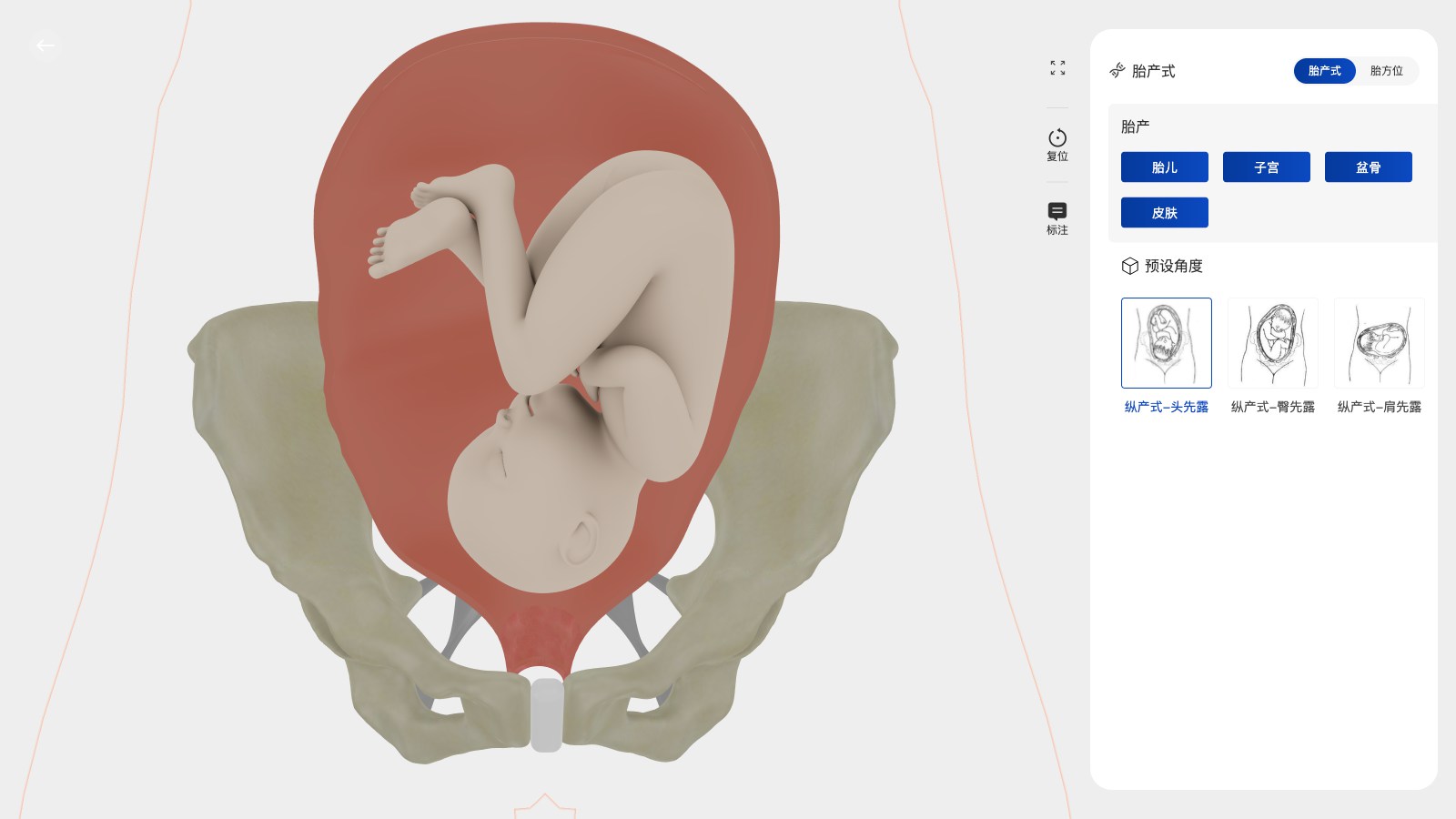
A guided 3D training experience for equipment and procedural understanding.
View case ↗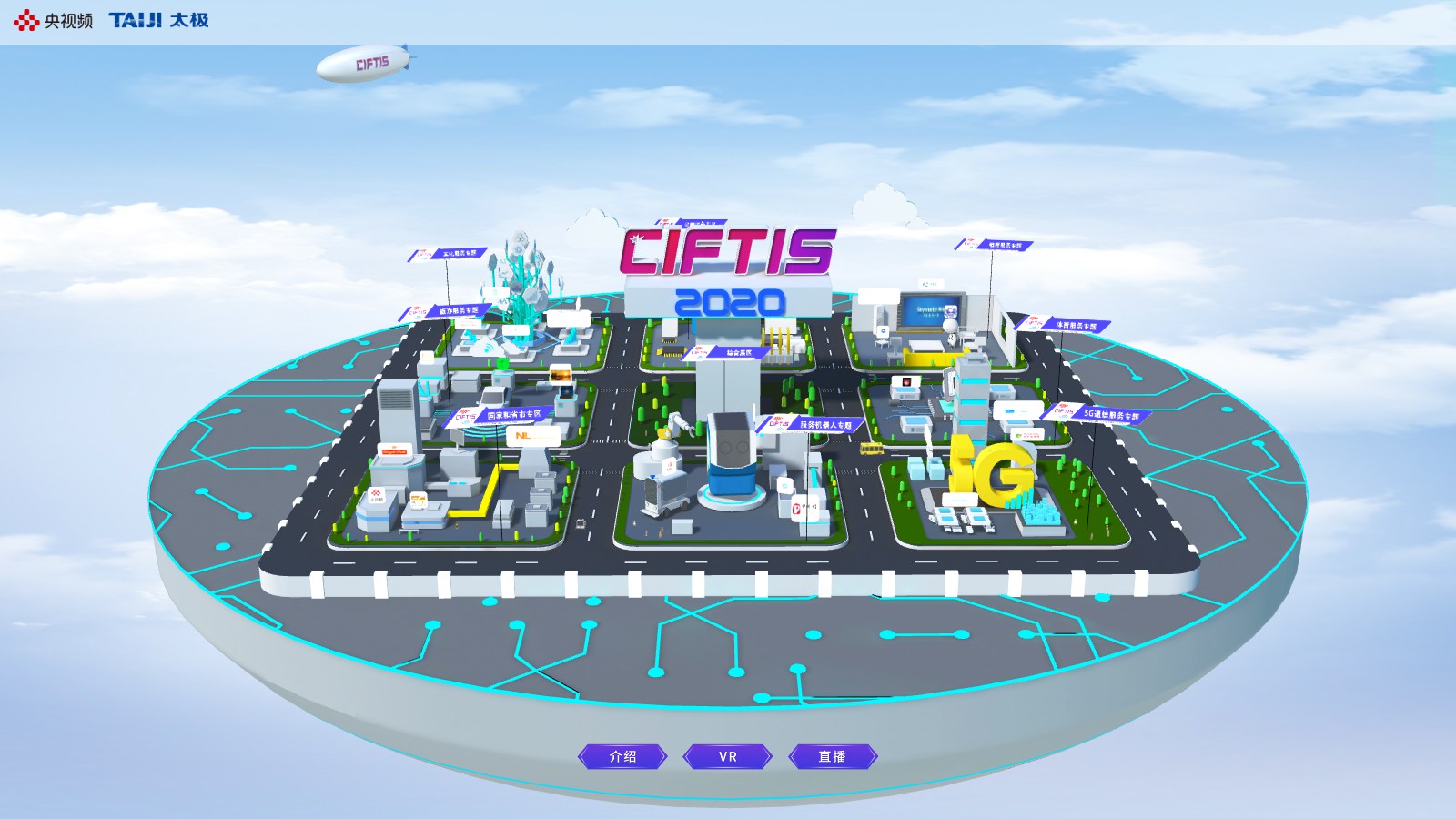
An interactive spatial experience designed for public participation at an event.
View case ↗These articles explain the technical choices, performance considerations and business workflows behind the solution.
It depends on hardware access, offline needs, interaction depth, device management and the task. We can compare options during discovery.
Yes. AR product visualization can be scoped for placement, scale, variants, annotations and the devices your audience actually uses.
Often. We review geometry, materials, animation and interaction requirements, then create runtime-specific optimization where needed.
Share the target device, user task and deployment environment. We will help choose a practical immersive technology path.
Plan an XR Experience ↗