Product-page integration
Embed the experience into a Shopify theme or a dedicated product experience without breaking the store journey.
Add interactive product configuration to Shopify without losing control of product options, price logic, performance or checkout flow.
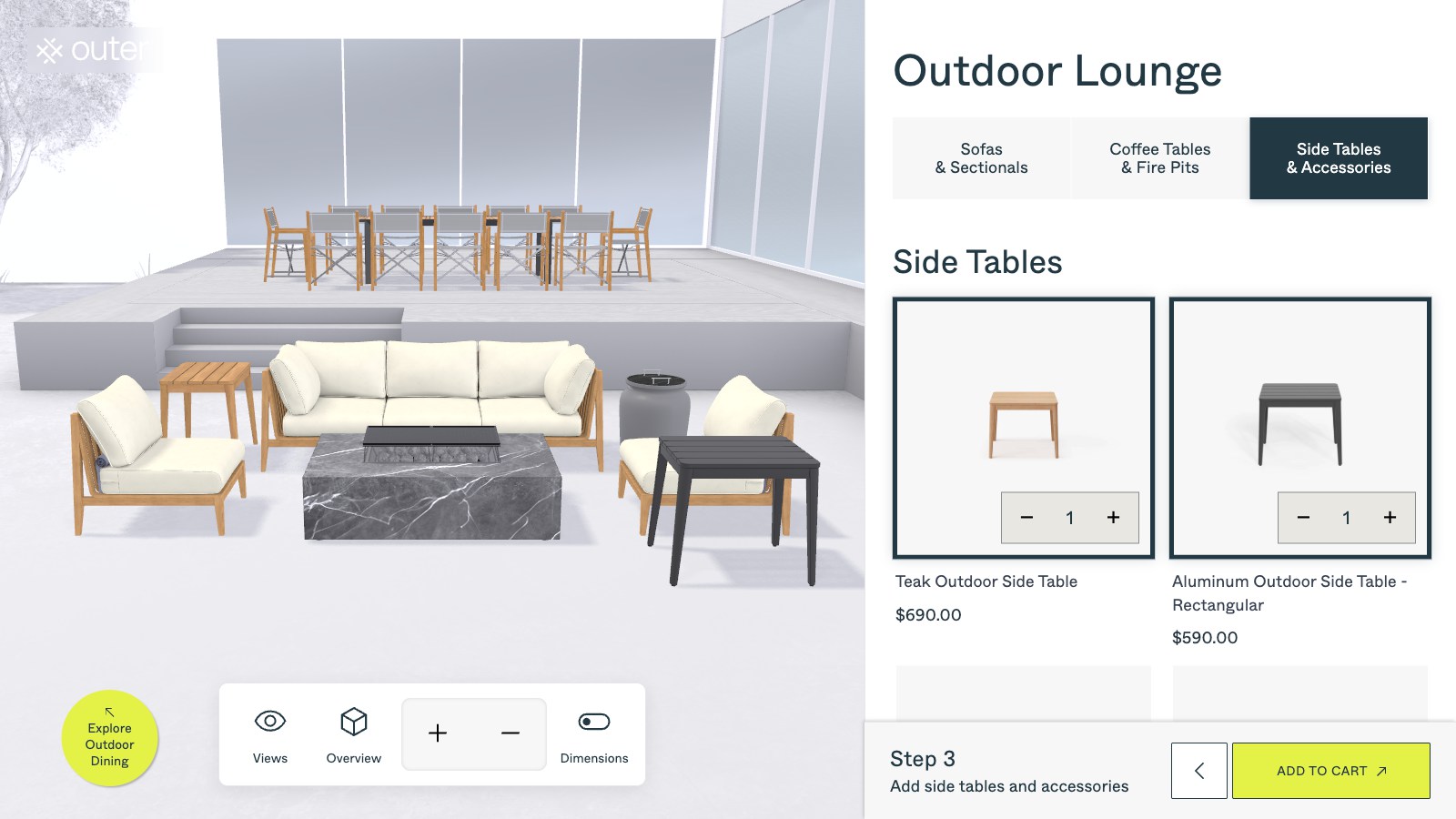
A Shopify 3D configurator needs to do more than load a model. It must respect product variants, option rules, cart behavior, analytics and the performance constraints of a live store.
From 3D assets to business systems, every capability maps to a real use case.
Embed the experience into a Shopify theme or a dedicated product experience without breaking the store journey.
Map configuration choices to Shopify variants, line-item properties or a custom quotation payload.
Support defined option pricing, pricing estimates or a quote-first workflow.
Send the selected configuration into the cart with the information your operations team needs.
Use optimized assets, deferred loading and responsive controls for real-world store traffic.
Track configuration starts, completed configurations, CTA clicks and drop-off points.
We clarify product and business logic before building the model, interaction and integration layer.
Review products, variants, metafields, theme structure, cart behavior and the existing analytics setup.
Decide how each visual choice maps to Shopify data, pricing and operational handoff.
Develop the model, controls, option UI and responsive loading strategy.
Implement variant selection, line-item properties, quote forms or custom APIs.
Validate mobile performance, cart accuracy, analytics events and fallback behavior.
The visual layer is designed around real Shopify product and cart behavior.
The configurator can load after useful product content so the store remains usable while 3D assets arrive.
A configuration should arrive with enough information for fulfillment, sales or customer support.
Before development starts, we define measurable performance and delivery criteria around your models, devices, systems and business goals.
A Shopify-oriented outdoor furniture configurator for visual product selection.
View case ↗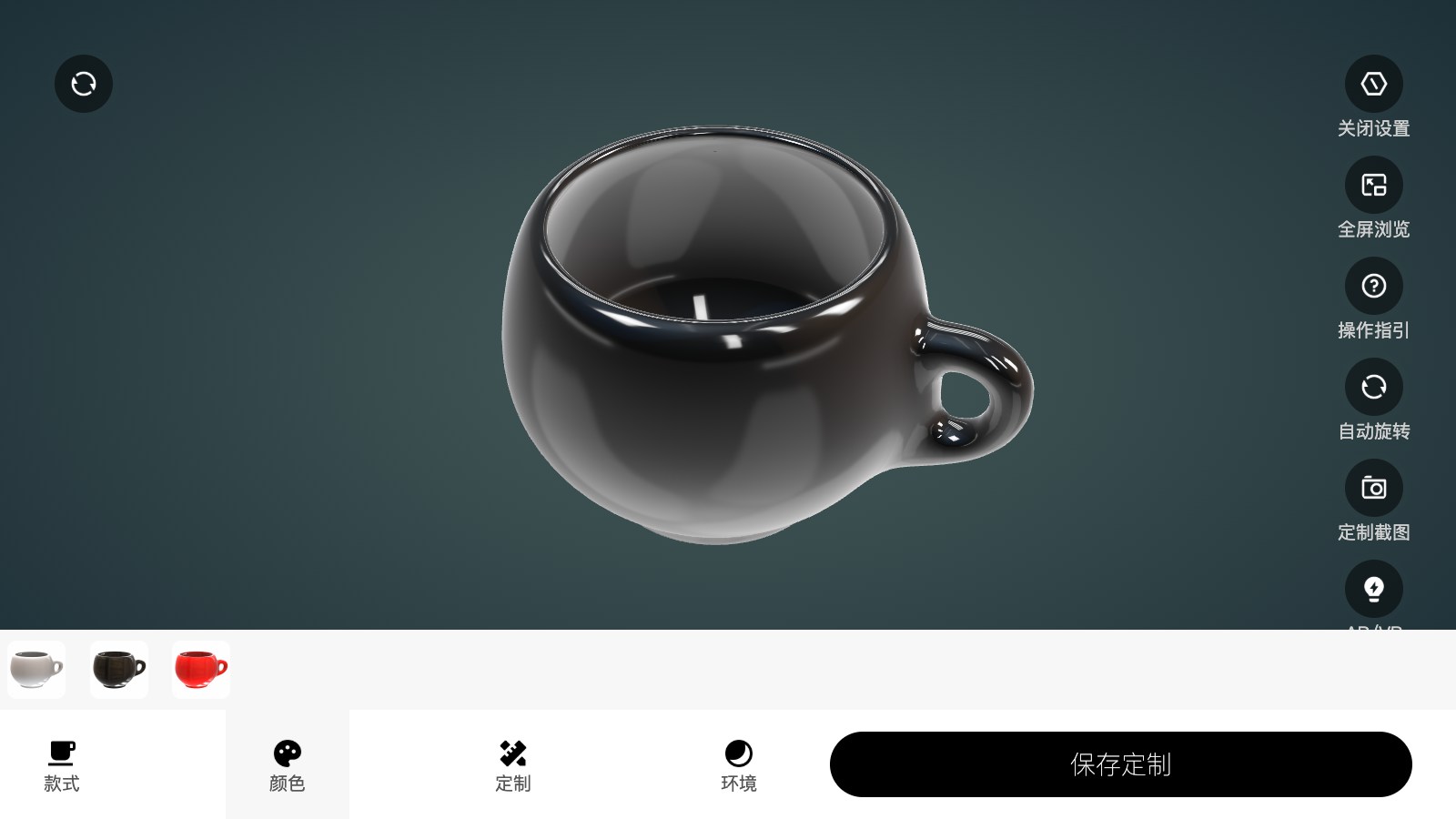
A reference for customer-driven product customization and preview.
View case ↗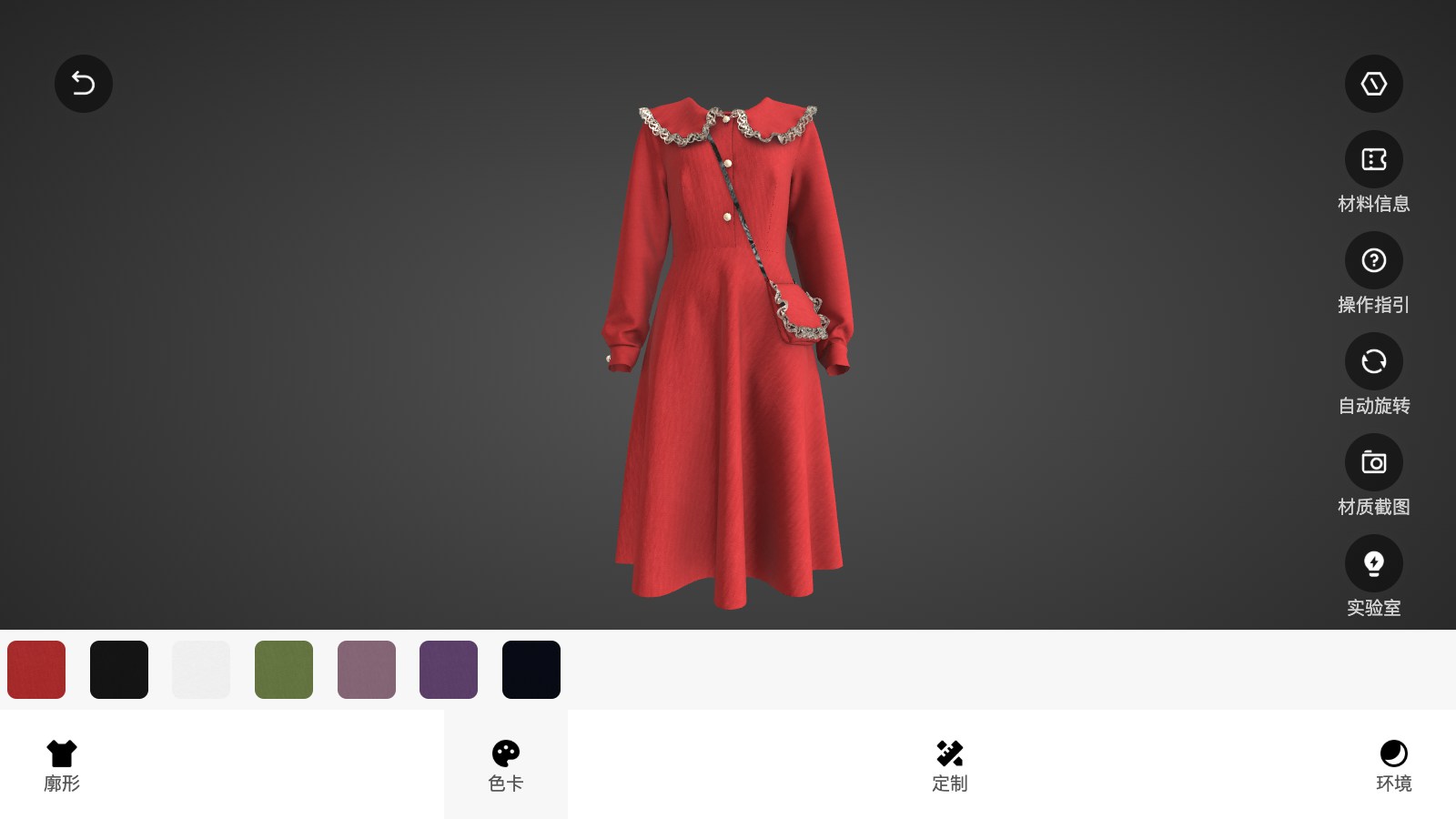
A reference for handling multiple visual options in a customizable product flow.
View case ↗These articles explain the technical choices, performance considerations and business workflows behind the solution.
Not necessarily. It can be embedded into a product page, launched from a product page or built as a focused experience depending on the catalog and conversion flow.
Yes. The implementation can use variants, line-item properties, metafields or an external quote workflow depending on the product rules.
It can if assets are not prepared properly. We use optimized models, deferred loading and device-aware behavior, then test the result on representative devices.
Send your store URL and product option rules. We will help you define the right integration scope before development starts.
Plan a Shopify Integration ↗