Interactive 3D scenes
Build navigable scenes for products, facilities, showrooms and exhibition content.
Turn product stories, exhibition content and complex interactions into shareable Web3D applications for browsers, touchscreens and event environments.
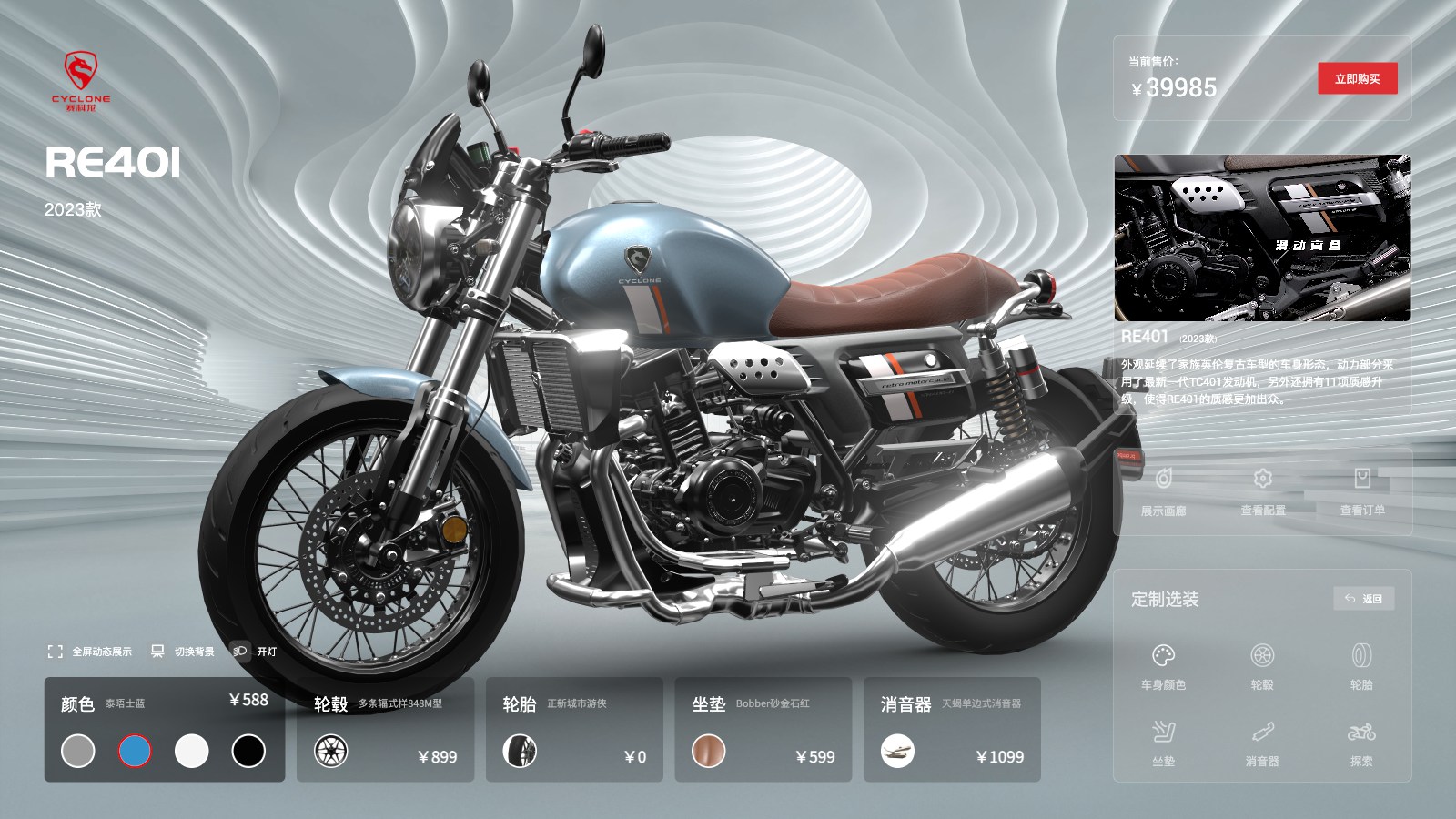
Interactive Web3D apps combine 3D scenes, guided navigation, data panels and touch interaction into one focused experience. They can run on a website, a showroom touchscreen, a trade show kiosk or a controlled offline package.
From 3D assets to business systems, every capability maps to a real use case.
Build navigable scenes for products, facilities, showrooms and exhibition content.
Design large controls, guided steps and reset states for public-facing touch devices.
Use hotspots, camera states, animation and content panels to explain a product or solution.
Package assets and application logic for controlled environments with limited or no network access.
Support localized labels, narration, product information and navigation without duplicating the experience.
Connect interaction events, enquiry actions and exhibition performance data where the environment allows.
We clarify product and business logic before building the model, interaction and integration layer.
Map the environment, audience, content hierarchy, interaction depth and desired outcome.
Organize models, camera states, navigation, labels, media and localized content.
Create touch, mouse, keyboard and guided interaction states for the target devices.
Develop the application, optimize assets and prepare online or offline delivery.
Test startup, reset, language switching, device behavior and operator handoff before launch.
The application is organized around what visitors need to discover and remember.
Support browser, kiosk, touchscreen and controlled offline environments.
Scenes and content are structured for future products, languages and campaigns.
Before development starts, we define measurable performance and delivery criteria around your models, devices, systems and business goals.
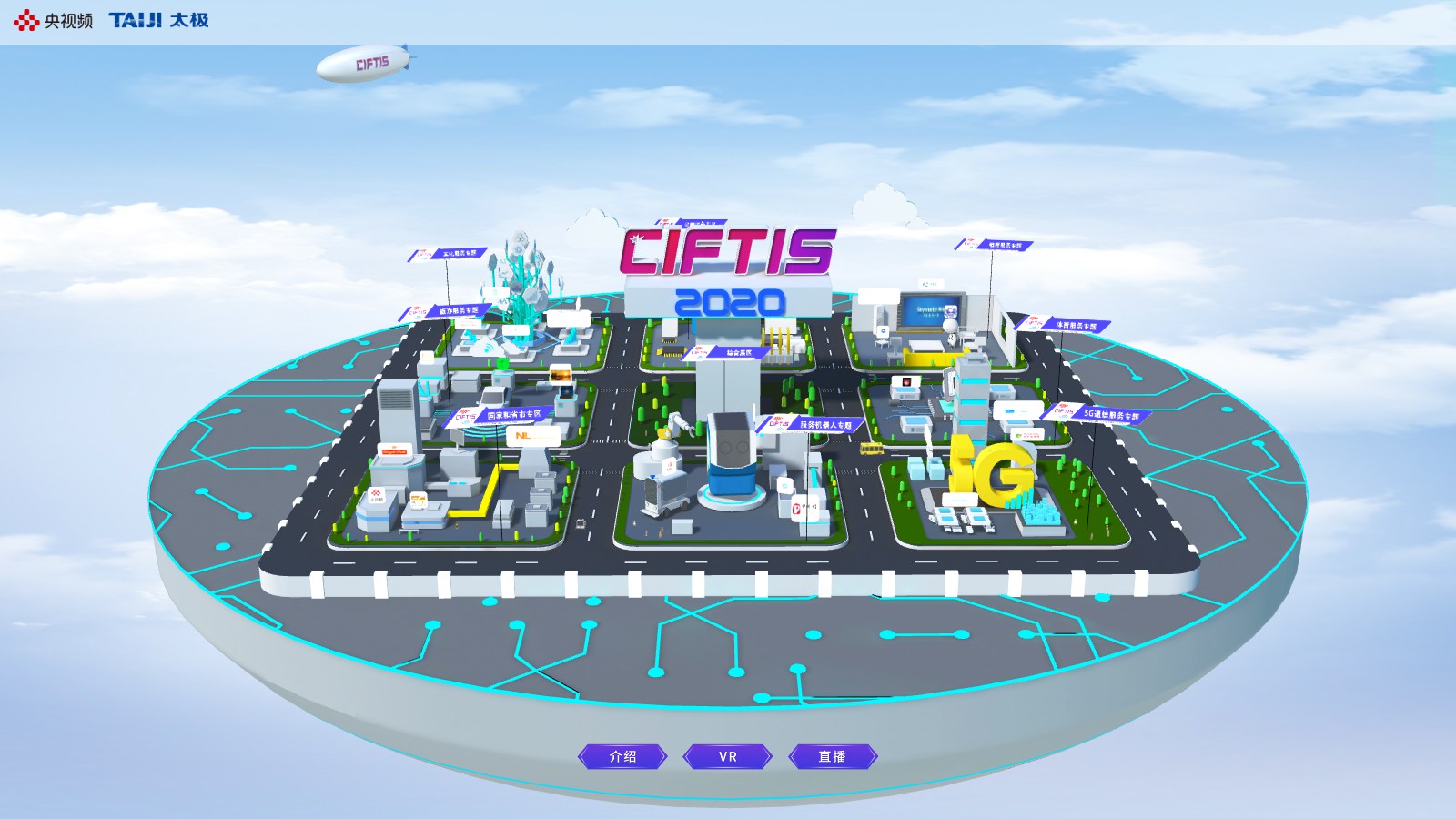
An immersive 3D exhibition experience designed to attract visitors and guide exploration.
View case ↗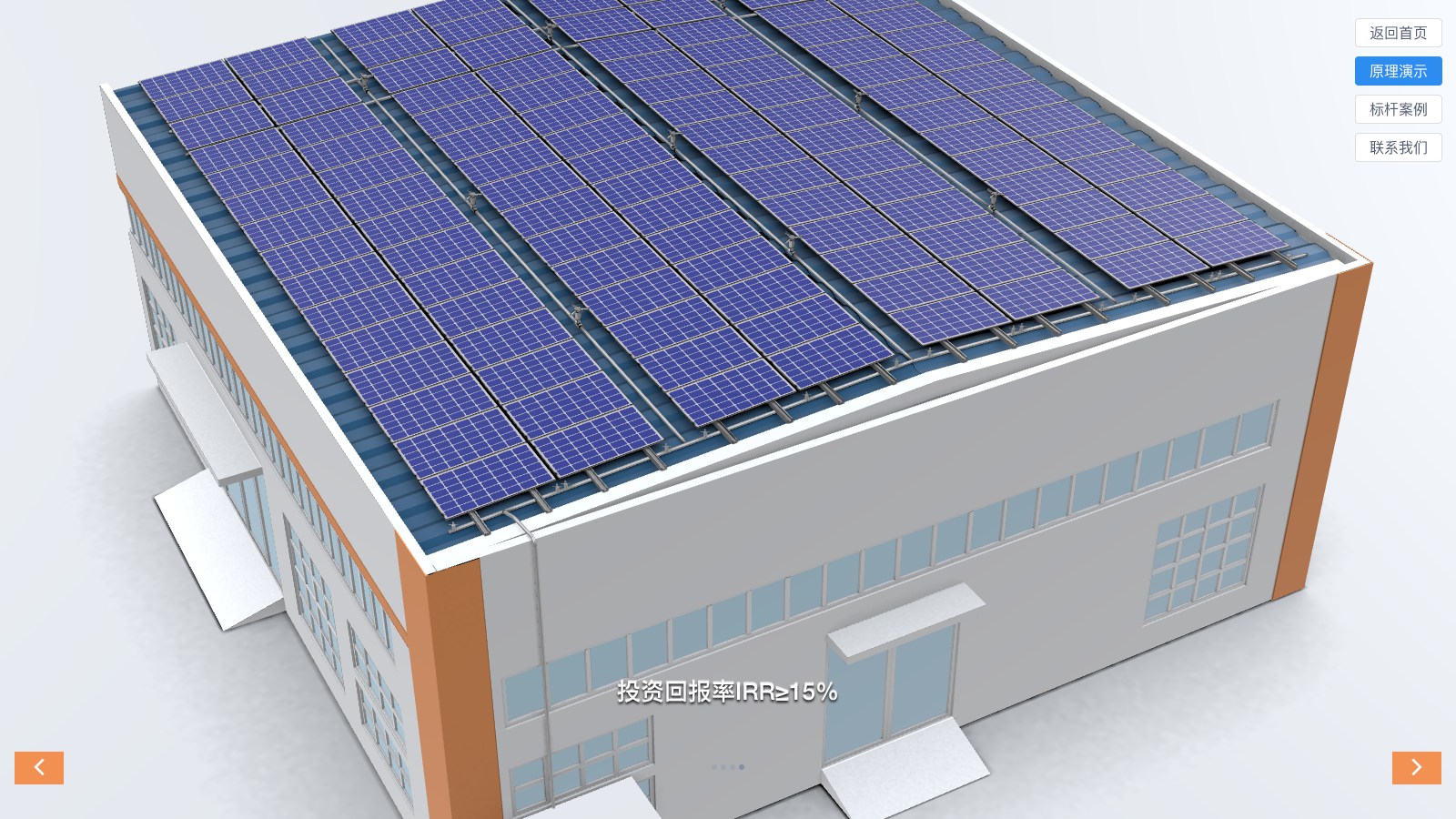
An interactive energy solution experience that explains system composition and value.
View case ↗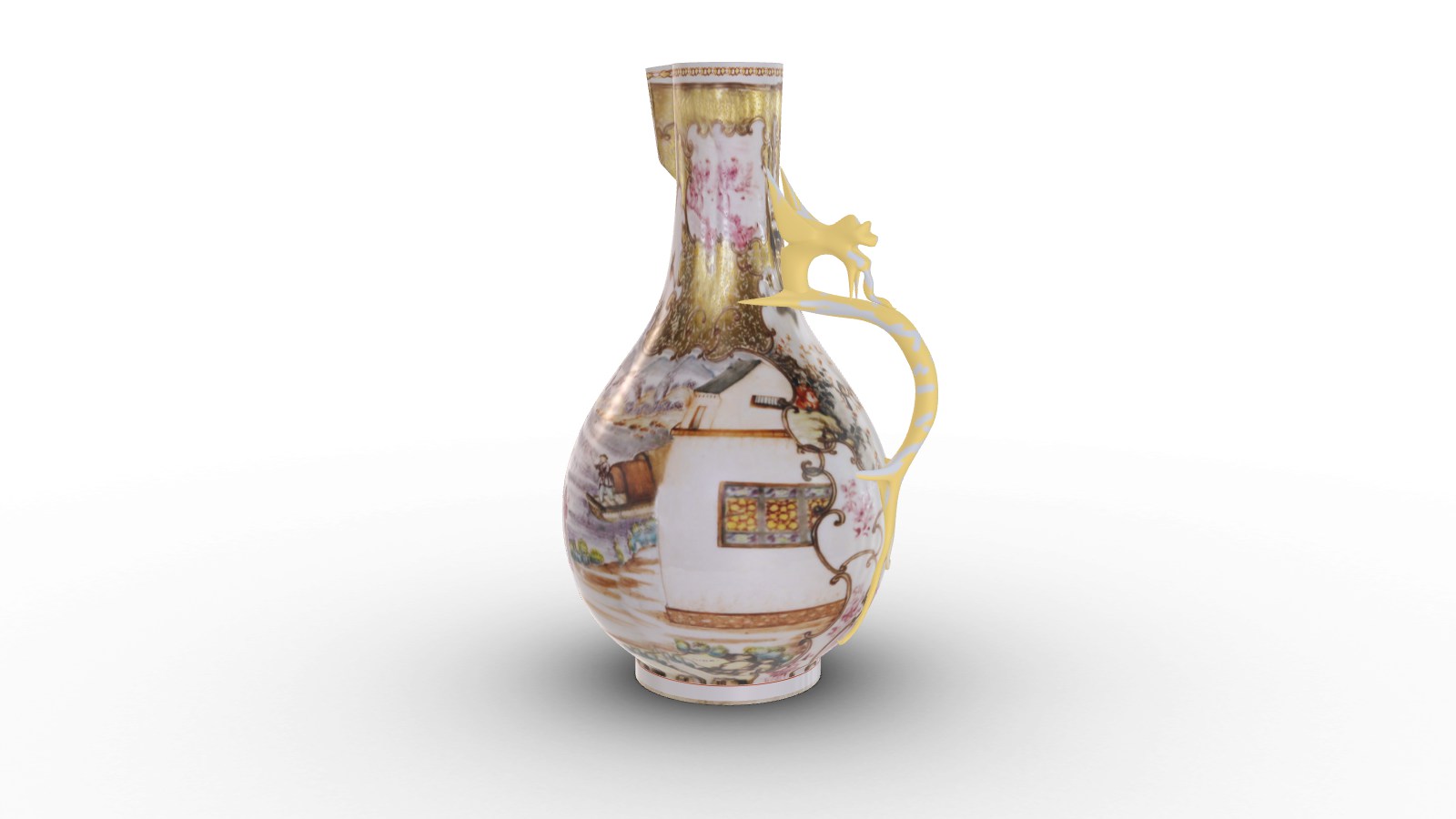
A browser-based 3D presentation that extends access to a physical collection.
View case ↗These articles explain the technical choices, performance considerations and business workflows behind the solution.
Yes. We can package the application and assets for a controlled offline environment when the target device and update process are defined.
Often yes, but the interaction and performance profile should be designed for each device rather than assuming one layout fits all.
Yes. A structured scene and content model makes future products, languages and campaigns easier to maintain.
Share the venue, devices, content and audience journey. We will define a practical Web3D application scope.
Plan an Interactive Web3D App ↗