Interactive anatomy and equipment
Present structures, components and details with controlled camera views and interactions.
Turn complex anatomy, equipment and operational procedures into guided 3D learning experiences that can be explored in a browser.
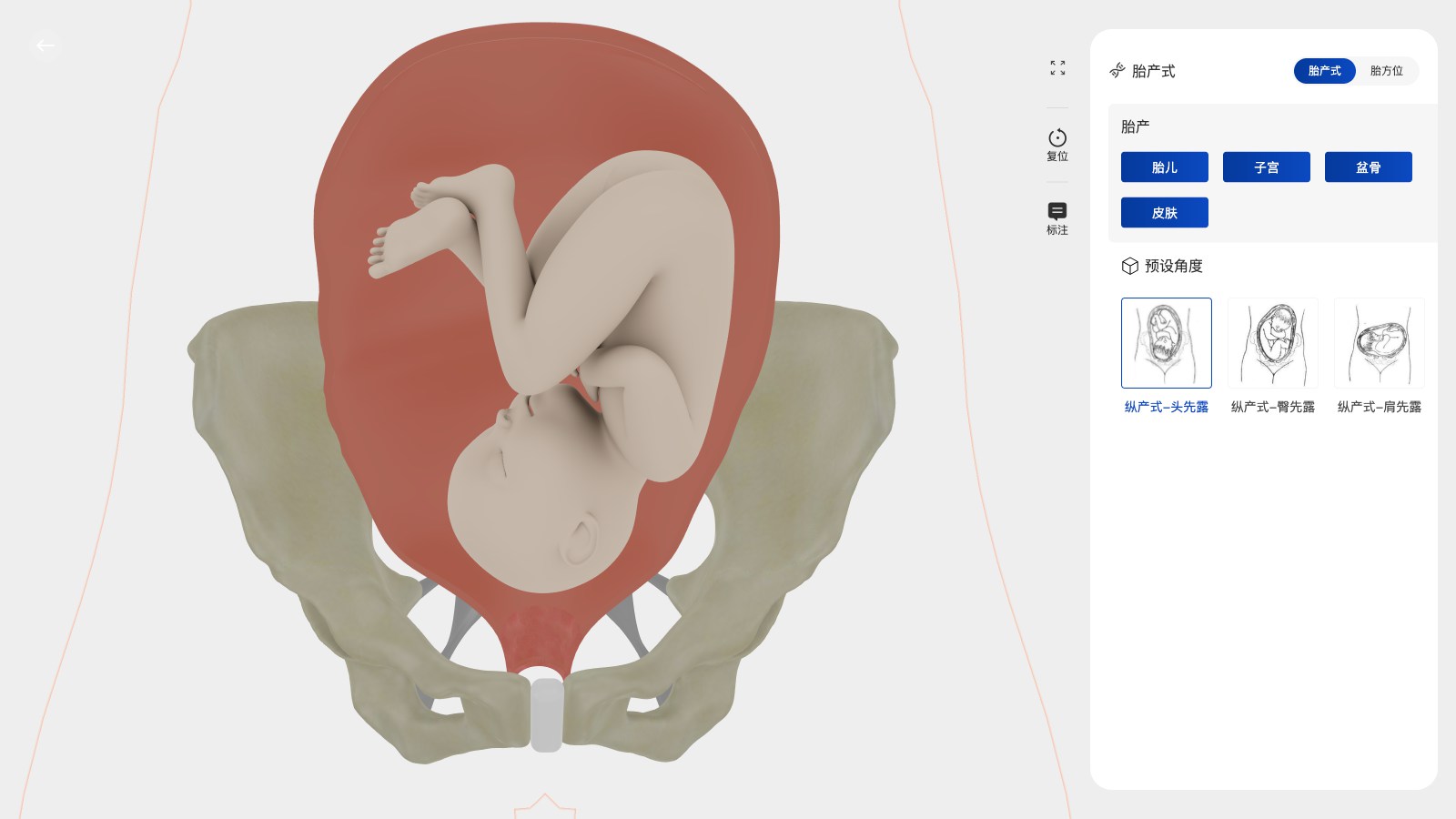
Interactive 3D can support medical education when learners need to understand spatial relationships, equipment details or a sequence of actions. We build the visual system around the teaching scenario—not around a model alone.
From 3D assets to business systems, every capability maps to a real use case.
Present structures, components and details with controlled camera views and interactions.
Lead learners through explanations, checkpoints, labels and task sequences.
Create focused scenes for equipment operation, product education or spatial understanding.
Adapt the interface and depth of information for learners, trainers, sales teams or partners.
Make the experience easier to share across classrooms, product demos and remote training.
Organize models, text and steps so future training updates do not require rebuilding everything.
We clarify product and business logic before building the model, interaction and integration layer.
Clarify what learners need to understand, remember or perform after the experience.
Prepare anatomy, equipment, labels and camera states around the teaching sequence.
Build steps, hotspots, explanations and feedback states that keep the learner oriented.
Review accuracy, terminology, interaction clarity and device behavior with subject-matter owners.
Deliver the browser experience with documentation and a plan for future content changes.
The interaction sequence starts with the learning objective and the trainer’s workflow.
Camera states, labels and model hierarchy help learners understand relationships and details.
A browser-based experience can support training, product education and remote demonstrations.
Before development starts, we define measurable performance and delivery criteria around your models, devices, systems and business goals.
A Web3D medical training project with interactive models and guided learning scenarios.
View case ↗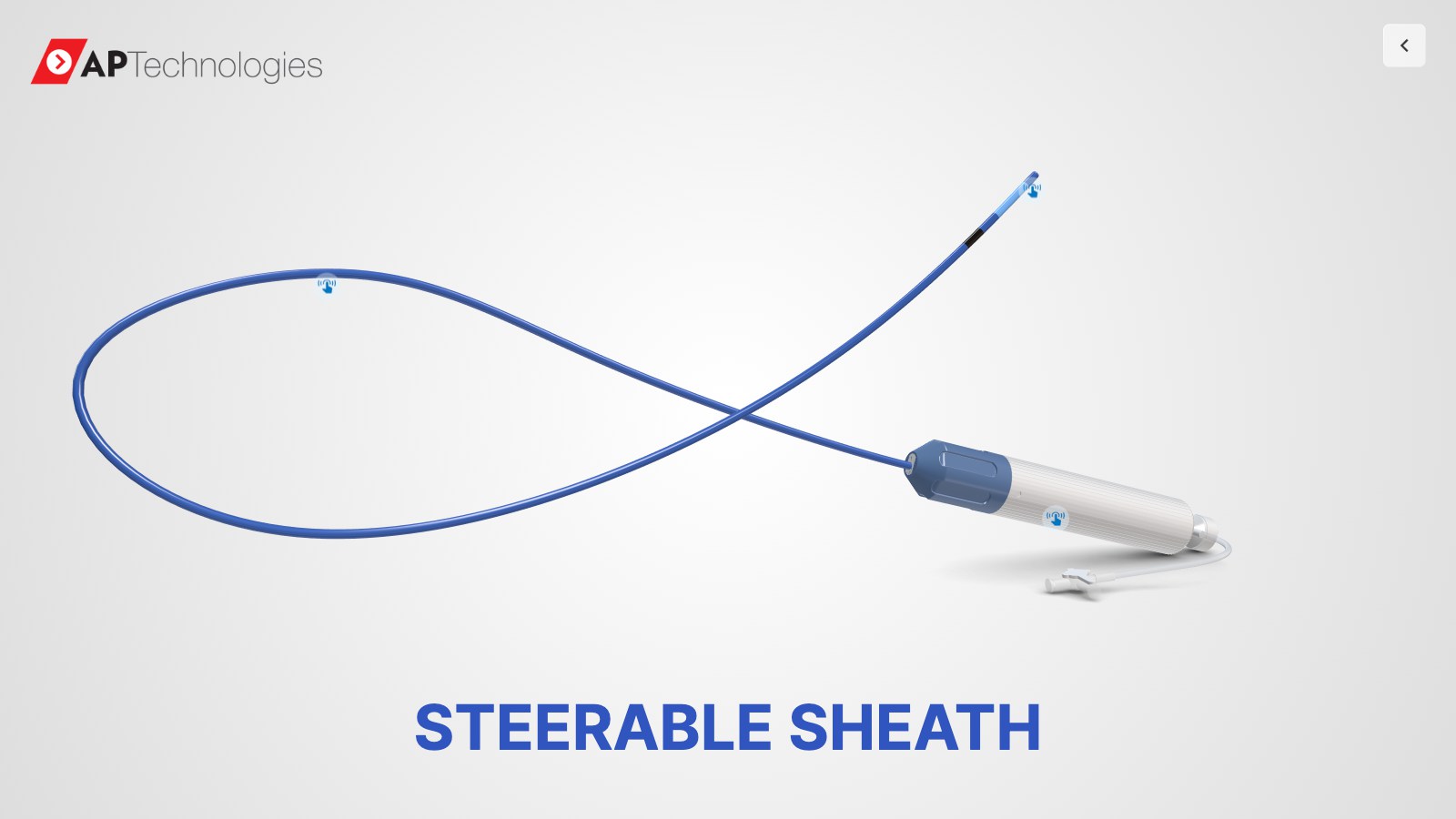
A reference for presenting detailed medical equipment through interactive 3D.
View case ↗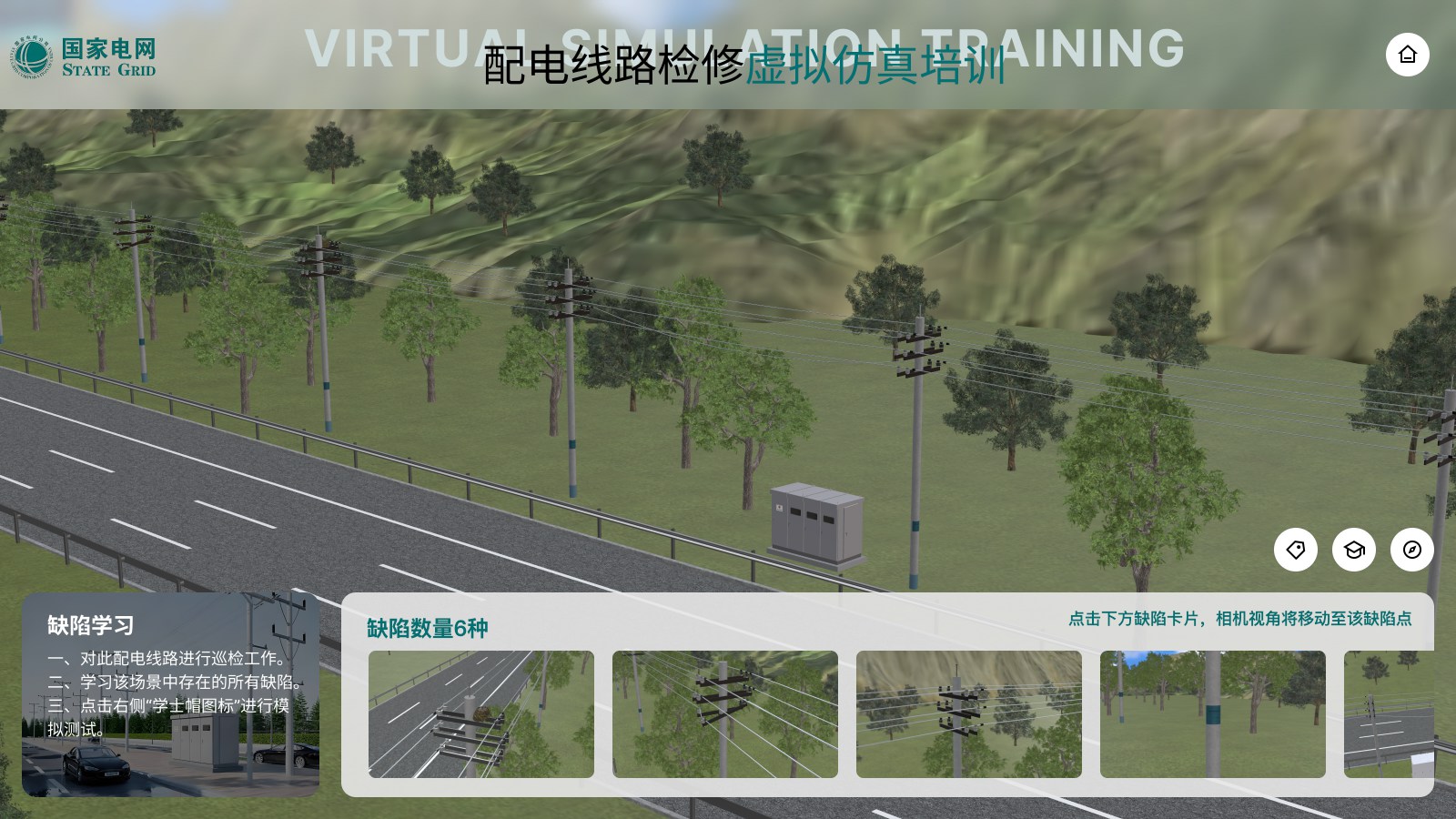
A reference for step-based learning, safety practice and complex operational visualization.
View case ↗These articles explain the technical choices, performance considerations and business workflows behind the solution.
Often yes. We review the source format, level of detail, materials and required interaction before deciding what needs to be rebuilt or optimized.
The content structure can be designed for maintainability. The right approach depends on whether updates are managed in code, a content system or an internal data source.
Yes. The same visual foundation can support internal training, distributor education, sales demonstrations or customer onboarding when the content is structured appropriately.
Share the model, learning objective and target audience. We will help you turn the scenario into a practical interactive experience.
Discuss Medical Training ↗