Fabric and color preview
Present materials, finishes and color combinations directly on the garment model.
Give customers a reliable preview of customized clothing before an order is placed, from fabric and color selection to artwork and fit options.
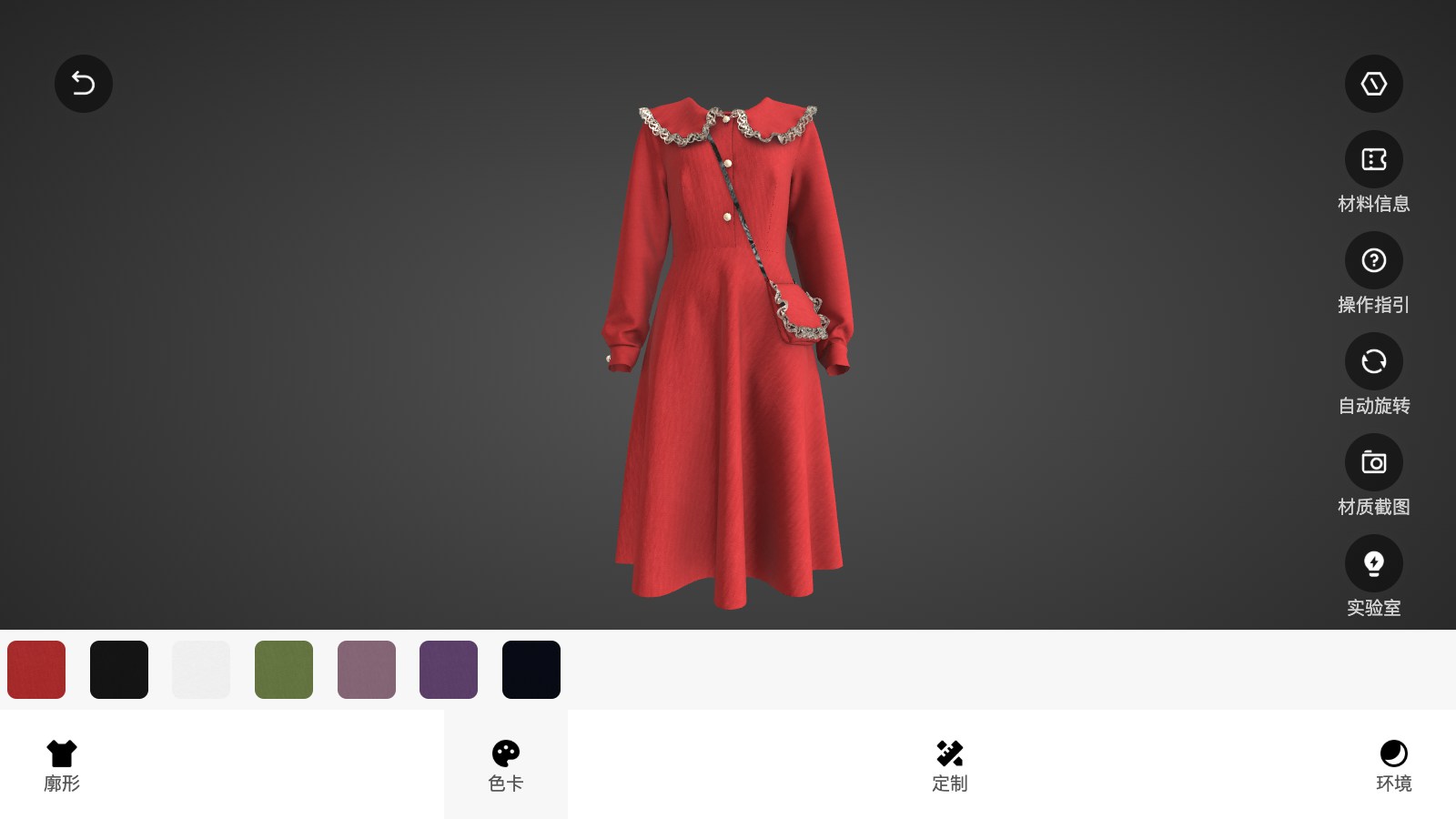
Custom apparel has too many visual variables for a flat gallery to communicate clearly. A 3D configurator lets buyers see the relationship between cut, material, color and artwork while giving sales teams a consistent way to explain the product.
From 3D assets to business systems, every capability maps to a real use case.
Present materials, finishes and color combinations directly on the garment model.
Preview uploaded artwork, branding areas and personalization in the correct product context.
Switch collars, sleeves, panels, accessories and other configurable parts.
Capture the selected configuration so customers and sales teams can review the same version.
Connect option data to your product catalog, quotation process or commerce platform.
Support touch gestures and focused controls for buyers browsing on phones and tablets.
We clarify product and business logic before building the model, interaction and integration layer.
Document garment parts, fabrics, colors, artwork zones, dependencies and approval rules.
Create a lightweight 3D garment pipeline that preserves the visual differences buyers need to see.
Design a guided flow for options, artwork upload, preview and confirmation.
Pass configuration data to quotation, CRM, cart or production handoff systems.
Check visual accuracy, touch behavior, model loading and customer approval steps.
Customers see the selected combination in context instead of interpreting disconnected swatches.
Sales and buyers can refer to the same saved configuration during approval.
The experience can support direct commerce, quote-first B2B sales or both.
Before development starts, we define measurable performance and delivery criteria around your models, devices, systems and business goals.
A Web3D apparel customization experience for materials, colors and style decisions.
View case ↗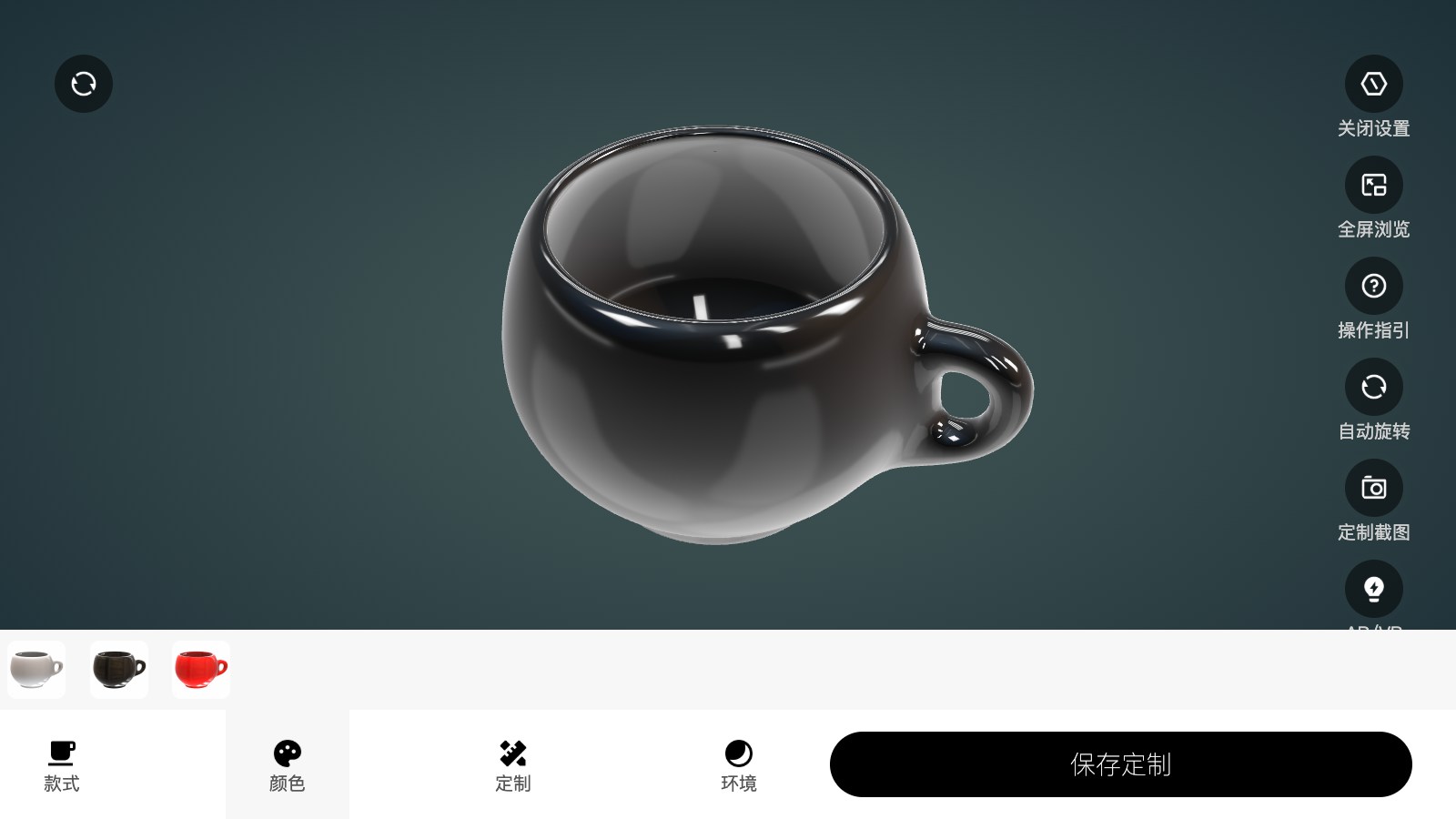
A product personalization workflow that demonstrates artwork and customer preview logic.
View case ↗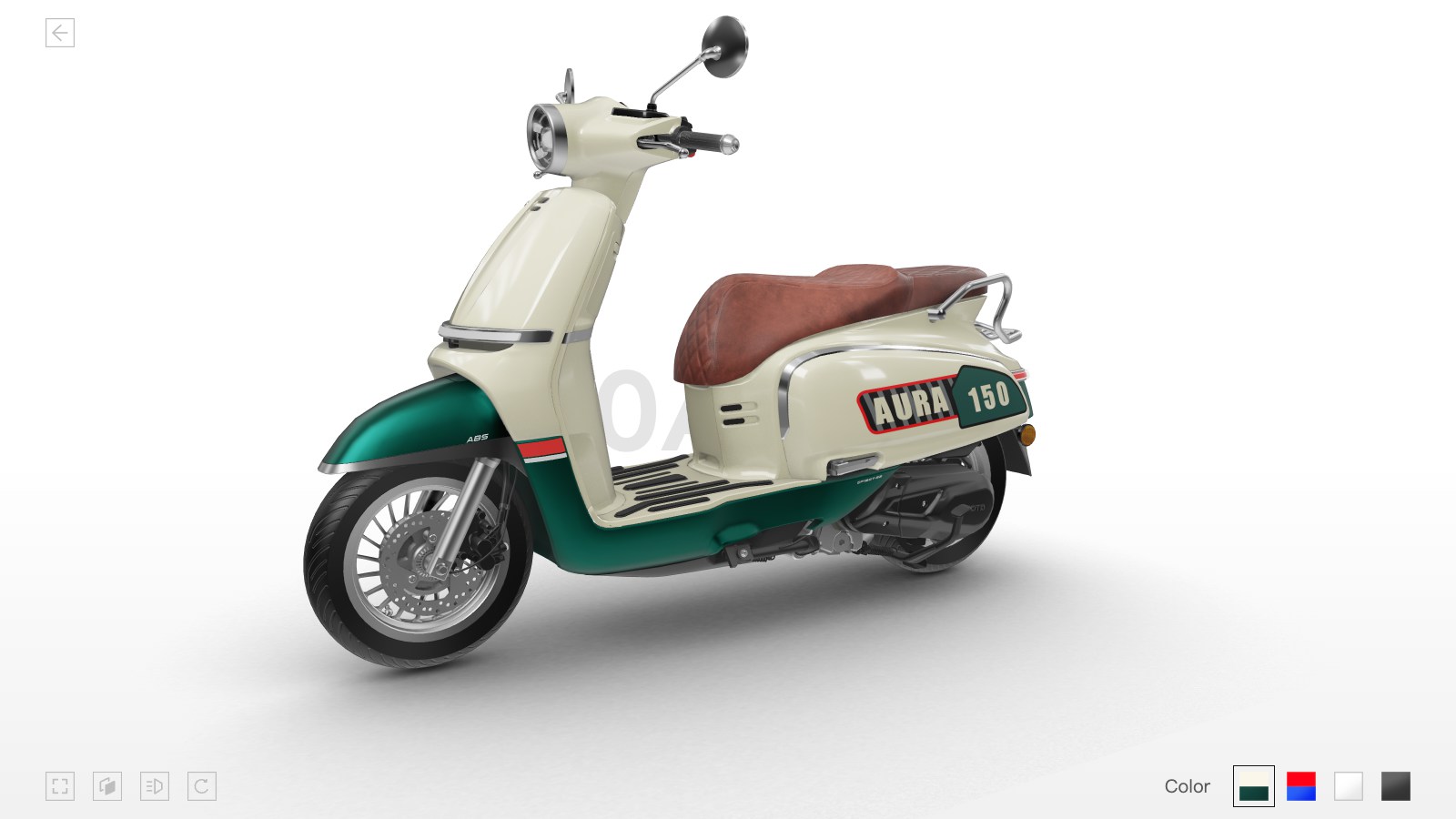
A reference for real-time option switching and product presentation across devices.
View case ↗These articles explain the technical choices, performance considerations and business workflows behind the solution.
Yes. Artwork upload can be designed with preview rules, placement constraints and a confirmation step before the request is submitted.
Yes. The configurator can feed a quotation or sales workflow instead of sending every user directly to checkout.
Yes. A reusable option and asset structure can support multiple styles when their configuration rules are compatible.
We can help you turn fabric, style and artwork options into a guided 3D approval experience.
Plan an Apparel Configurator ↗